


A WordPress website isn’t something you build once and forget. It needs ongoing work to stay secure, fast, and functional. Without maintenance, plugins break, pages slow down, and security gaps appear over time.
Most business owners don’t have the time or the technical setup to handle updates, troubleshooting, backups, and performance tuning. That’s where WordPress site management services come in. They take over the technical upkeep, so the website keeps running properly while you focus on running the business.
This guide breaks down what these services include, why they matter, and how to choose the right provider.
What are WordPress Site Management Services?
WordPress site management services cover the ongoing technical upkeep of a WordPress website. Instead of waiting for something to break, the site is actively maintained, monitored, and optimized.
This is not hosting. Hosting simply keeps your website online. Site management keeps it working correctly.
Typical responsibilities include:
- Updating WordPress core, plugins, and themes
- Running automated and manual backups
- Monitoring security threats and blocking attacks
- Fixing bugs and broken features
- Improving website speed and performance
- Monitoring uptime and downtime
- Providing technical support when issues appear
The goal is simple: prevent problems before they affect users.
Why WordPress Websites Need Ongoing Management
A WordPress site changes constantly. Even if you don’t touch it, the software it depends on does.
Security risks build up over time
WordPress is widely used, which makes it a frequent target. Most attacks don’t happen because of complex hacking. They happen because of outdated plugins or weak login protection.
Common risks include:
- Malware injections
- Brute force login attempts
- Spam bots
- Data leaks from outdated components
Regular maintenance closes these gaps before they get exploited.
Performance naturally degrades
A website that was fast when it launched will slow down over time if it isn’t maintained. Typical causes:
- Uncompressed images
- Bloated databases
- Unused plugins still running
- Heavy scripts loading in the background
Speed drops directly affect user behavior. People leave slow websites quickly, and search rankings often follow.
Updates can break things
WordPress relies heavily on plugins and themes. When one of them updates, it can conflict with others. Without testing and monitoring, a simple update can:
- Break page layouts
- Disable key features
- Trigger errors on checkout or forms
Proper management catches these issues before users see them.
Downtime costs visibility and sales
When a site goes offline, even for a short period, it affects credibility and conversions. Uptime monitoring helps detect failures early so they can be fixed before they turn into longer outages.
What’s Included in WordPress Site Management Services
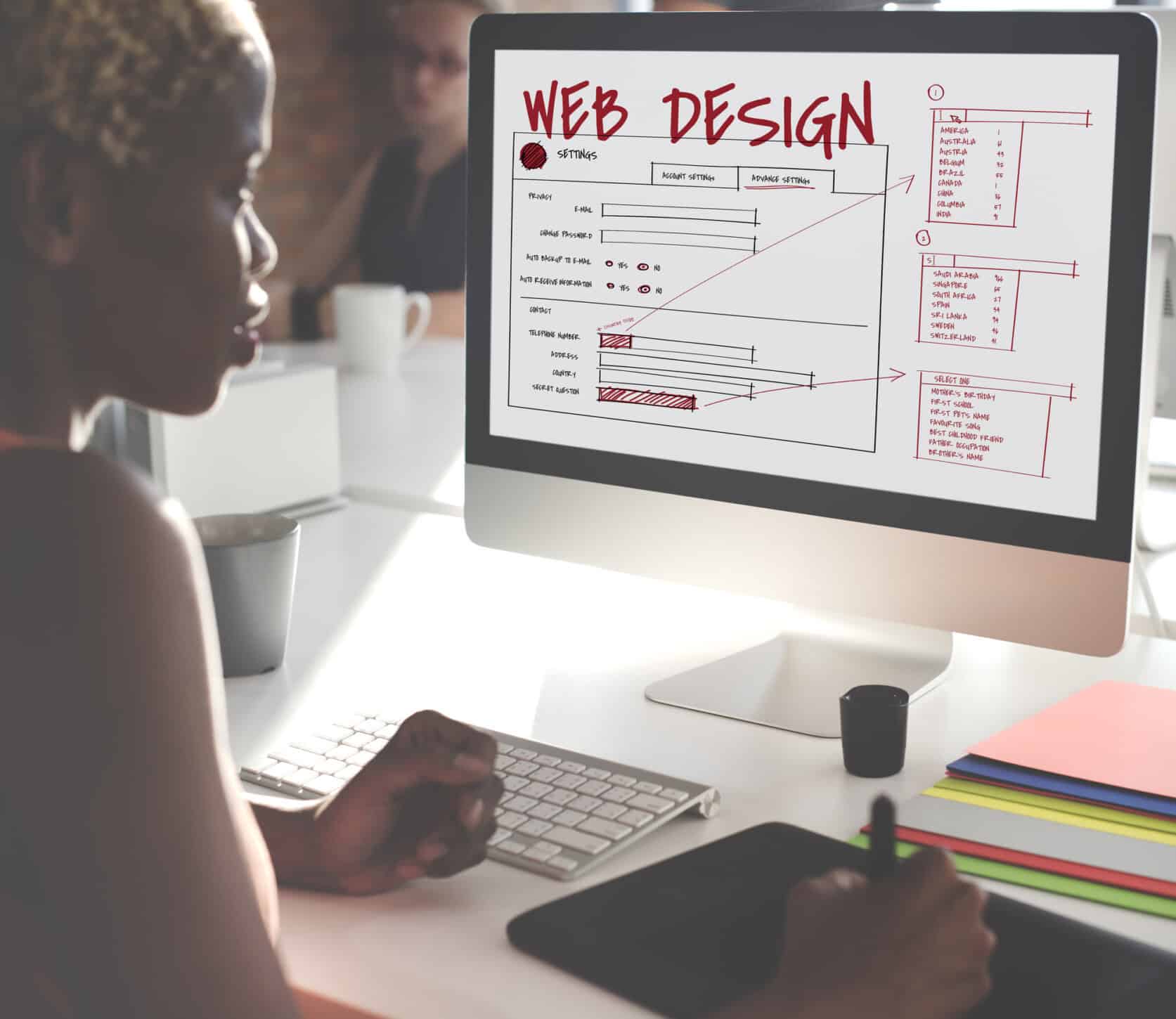
While packages vary, most professional services follow the same core structure. The goal is to keep the website stable, secure, and running properly without waiting for issues to appear first.
Instead of reacting to problems after they happen, site management focuses on prevention, monitoring, and long-term performance.
Core WordPress updates
WordPress regularly releases updates to patch security vulnerabilities, fix bugs, improve compatibility, and improve overall performance. These updates are necessary, but they also need to be handled carefully. Applying updates without testing can sometimes create conflicts that break features, layouts, or plugins.
A proper management service handles updates in a controlled way to reduce the risk of downtime or technical issues.
Plugin and theme maintenance
Plugins and themes power most WordPress websites. They add functionality, control design, and support important features like contact forms, SEO tools, booking systems, and e-commerce functionality.
But when they’re outdated or poorly maintained, they become one of the biggest sources of technical problems.
Management typically includes:
- Updating components safely
- Checking for compatibility issues
- Rolling back updates if something breaks
- Removing outdated or unsupported plugins
- Monitoring plugin performance and stability
Without regular maintenance, even a small plugin issue can affect the entire website.
Website backups
Backups are the safety net behind every stable website. If the site gets hacked, corrupted, deleted by mistake, or damaged during an update, backups allow it to be restored quickly.
A proper backup system usually includes:
- Daily automated backups
- Off-site storage
- One-click restoration
- Version history for recovery
- Backup verification and monitoring
Without backups, recovering a broken website can take hours or, in some cases, days. Reliable backups reduce downtime and prevent permanent data loss.
Security monitoring
Security isn’t something you set up once and ignore. Websites are constantly exposed to login attacks, malware injections, spam bots, and other threats.
Ongoing monitoring typically includes:
- Malware scanning
- Firewall protection
- Login protection (to block brute force attacks)
- Removal of malicious files
- Security patching
The goal is to stop attacks early, not react after damage is done.
Performance optimization
Website speed affects nearly every part of the user experience. Slow pages increase bounce rates, frustrate visitors, and hurt search rankings. Over time, websites naturally slow down without regular optimization.
Performance optimization often includes:
- Image compression
- Caching setup
- Database cleanup
- Removing unused plugins
- Reducing script load
- Server-side tuning
- Improving mobile performance
Small performance improvements can make a noticeable difference in how users interact with the site.
Technical support
Problems happen unexpectedly. A plugin update may conflict with another tool, a layout may suddenly break, or an important feature may stop working after changes are made.
Technical support usually handles:
- Broken layouts
- Plugin conflicts
- Error messages
- Feature failures
- General troubleshooting
- Website recovery after failed updates
Fast support reduces downtime and prevents small issues from turning into larger problems.
Uptime monitoring
Website downtime is not always obvious right away. A site can go offline without the owner noticing until customers start reporting problems.
Uptime monitoring checks the website continuously. If the site goes down, alerts are triggered immediately so action can be taken quickly. This helps reduce downtime, protect user experience, and prevent lost traffic or sales.
Benefits of Hiring a WordPress Site Management Company
Most website issues don’t happen all at once. They build up quietly over time. An outdated plugin here, a slow page there, a backup that never ran properly. Eventually, those small gaps turn into downtime, security problems, or lost traffic.
Below are some benefits of hiring a WordPress maintenance service:
Less time spent on technical work
Instead of constantly handling updates, backups, plugin issues, and unexpected fixes, business owners can step away from the technical side of the website. The day-to-day maintenance is handled in the background, freeing up time to focus on operations, customers, and growth.
Fewer unexpected issues
Regular maintenance prevents problems from building up in the first place. Instead of reacting to broken pages, plugin conflicts, or sudden errors after they appear, issues are caught early or avoided entirely.
Stronger security posture
Continuous monitoring reduces exposure to known vulnerabilities, outdated components, and common attack methods. Security is not treated as a one-time setup but as an ongoing process that includes scanning, patching, and tightening weak points.
Better user experience
A properly maintained website runs more smoothly across all devices. Pages load faster, features work as expected, and errors are far less likely to interrupt the browsing experience. Visitors don’t have to deal with broken layouts, slow interactions, or missing functionality, which helps keep engagement consistent.
Stronger SEO foundation
Search engines prioritize websites that are stable, fast, and technically sound. Regular maintenance directly supports these factors by keeping the site optimized and free from performance issues.
This includes websites that are:
- Fast-loading and optimized for performance
- Secure and free from malware or vulnerabilities
- Stable with minimal downtime or errors
- Actively maintained and updated over time.
Strong technical health builds a more reliable foundation for long-term search visibility and ranking consistency.
Signs Your Website Needs Management Support
If any of these sound familiar, the site isn’t just “a bit off”. It’s already showing signs that ongoing maintenance is missing or inconsistent. These issues usually don’t appear in isolation. They build up over time and often point to deeper technical problems underneath.
- Pages break after updates
- Load times are getting worse over time
- Security warnings or alerts start appearing in dashboards or browsers
- Plugins are frequently outdated or left unpatched
- Backups exist but aren’t verified, tested, or consistently running
- No one is actively maintaining or monitoring the site on a regular basis
When these problems start showing up, it usually means the website is no longer being properly managed. Left unchecked, these early warning signs can escalate into downtime, broken functionality, security breaches, or even data loss.
These are not random glitches; they’re early signs of technical decay that will continue to worsen without structured maintenance.
Read more: How Ongoing Website Support Keeps Your Site Running Smoothly
How to Choose the Right Provider

Not all WordPress site management providers operate at the same level. Some focus on basic updates, while others offer full monitoring, security, and performance management. Choosing the right provider isn’t just about comparing prices or services lists.
Here’s what you should look for when picking your WordPress site management provider:
WordPress experience matters
Generic IT support usually focuses on broad technical problems, not the specific issues that come with managing a WordPress website. WordPress has its own ecosystem, and small mistakes during updates or maintenance can quickly create larger problems across the site.
You want a provider that understands:
- Plugin ecosystems and compatibility issues
- Theme conflicts and layout problems
- WordPress security vulnerabilities
- Performance optimization for WordPress environments
- Common errors caused by updates or third-party tools
Experience matters because WordPress problems are rarely isolated. One broken plugin or failed update can affect forms, checkout systems, SEO settings, or entire page layouts.
Security and backup systems should be clear
Security and backup services should never be vague or assumed. A provider should clearly explain how the website is protected, how often backups run, and what happens if the site needs to be restored.
Look for services that include:
- Daily backups
- Malware protection
- Recovery options
- Active monitoring
- Firewall setup and maintenance
- Backup verification and testing
If these systems aren’t clearly defined, the service is incomplete. Backups are only useful if they work properly, and security measures only matter if they’re actively monitored and maintained.
Response time is critical
When a website breaks, every hour matters. Slow responses can lead to lost traffic, missed leads, failed transactions, and frustrated visitors. A reliable provider should have clear support processes and realistic response times.
Before choosing a provider, ask:
- How quickly issues are handled
- Whether emergency support is available
- How communication works
- What happens during critical downtime situations
- Whether support is handled in-house or outsourced
Fast response times are especially important for business websites that rely on leads, bookings, or online sales.
Pricing should be transparent
Avoid vague service packages that don’t clearly explain what’s included. A professional provider should outline exactly what services are covered, what limitations exist, and which tasks may involve additional costs.
You should know:
- What maintenance tasks are included monthly
- Whether support hours are capped
- If emergency fixes cost extra
- What level of monitoring is included
- Whether backups and security tools are part of the package
Transparent pricing prevents confusion later and makes it easier to compare providers fairly.
The service should scale
Your website will change over time. Traffic may grow, new features may be added, and business needs may become more complex. The provider should be able to support that growth without forcing you to completely switch systems later.
Scalable management services can adapt to:
- Higher traffic levels
- Additional pages or functionality
- eCommerce features
- Membership systems
- Advanced integrations
- Larger content libraries
A provider that can scale with your business helps avoid disruptions as the website grows.
DIY vs Professional Management
Many business owners start by managing their WordPress website themselves. At first, it seems manageable. But as your website grows, so does the amount of maintenance required behind the scenes.
Managing it yourself
Managing your own WordPress site is possible if you know how WordPress works and have time to maintain it properly. But maintenance is more than clicking “update” once in a while. One failed update, broken plugin, or missed backup can take parts of the site offline.
Pros:
- Lower upfront cost
- Full control over the website
Cons:
- Easy to miss updates
- Higher chance of plugin or theme conflicts
- Slower fixes when issues happen
- No support if the site breaks
- More time spent troubleshooting problems
For small personal websites, DIY management may be enough. For business websites, the risks are usually higher.
Hiring professionals
Professional WordPress website management services mean the site is maintained consistently instead of only being checked when something breaks.
Updates are monitored, backups are verified, security issues are handled early, and technical problems are fixed faster.
Pros:
- Ongoing maintenance
- Faster issue resolution
- Better security monitoring
- Regular backups
- More stable performance
- Less downtime
Most businesses choose professional management because fixing a hacked or broken site usually costs more than maintaining it properly from the start.
WordPress Maintenance Support From SetmySite
Keeping a WordPress site updated and secure takes ongoing work. Missed updates, failed backups, and plugin conflicts can turn into bigger problems if no one is monitoring the site regularly.
At SetmySite, we provide WordPress website maintenance and support services for businesses that need reliable ongoing management. Our services include:
- Updates
- Backups
- Security monitoring
- Performance checks
- Technical support
If you need help managing your WordPress website, you can explore our website support plans here.
Common Mistakes Website Owners Make

Most website problems don’t start with major failures. They start with small things that get ignored for too long. Here are some of the most common mistakes that lead to downtime, slow performance, and avoidable technical problems on WordPress websites:
Ignoring updates
Outdated WordPress core files, plugins, and themes are one of the easiest ways for security issues and bugs to appear. Updates often include security patches and performance improvements, but many website owners delay them until something breaks.
Over time, this creates vulnerabilities that can be exploited or lead to compatibility issues across the site.
Installing too many plugins
Plugins add functionality, but every additional plugin also adds code, load time, and potential conflict points. When too many plugins are installed (low-quality or unused ones), the website becomes harder to manage and more likely to break during updates or changes.
Assuming backups are working
Many website owners assume backups are running in the background without ever checking them. The problem is that backups can fail silently or become outdated without notice. If a site crashes or gets hacked, unreliable backups often mean data loss or long recovery times.
Choosing cheap unmanaged hosting
Low-cost hosting plans can be appealing, but they often come with limited support, slower performance, and weaker infrastructure. When issues happen, there is usually no active help to resolve them quickly. This usually increases downtime and affects user experience.
Waiting until something breaks
One of the most costly mistakes is treating maintenance as something to deal with only after problems appear. By the time a website breaks, the issue is usually larger than expected: affecting traffic, leads, or even search visibility. Preventive maintenance is always more efficient and less expensive than emergency fixes.
Additional reading: Monthly Website Updates: Why Your Business Can’t Skip Them
Long-Term Value of WordPress Site Management Services
A website is a business asset, not just a digital presence. When it breaks, slows down, or gets compromised, it directly affects revenue and trust.
Proper site management keeps the system stable in the background, updating, fixing, monitoring, and optimizing before issues surface. Over time, this means:
- Fewer emergencies
- Fewer lost leads
- Better performance stability
- Stronger search visibility
- Less technical stress
Conclusion
A WordPress website is never a finished system. Even when everything looks fine on the surface, updates, security risks, and performance issues continue working in the background. Without regular maintenance, small problems slowly build up until they start affecting speed, stability, or functionality.
WordPress site management services remove that uncertainty by keeping everything monitored and maintained consistently. Instead of waiting for something to break, the website is updated, secured, and optimized as part of an ongoing process. This keeps performance steady and reduces the risk of unexpected downtime or errors.
If you want a website that stays updated, secure, and properly maintained without the technical workload, reach out to our dedicated webmaster service today!