


Creating a website used to be a headache. If you didn’t know how to code, your only option was to hire a developer or struggle with complicated tools.
Thankfully, that’s no longer the case.
Today, WordPress offers drag-and-drop website builders that let you design pages visually. You can add text, images, buttons, and other elements just by dragging them into place.
No coding. No technical setup. You simply move things around until your page looks the way you want.
This has made website creation much easier for beginners, small business owners, freelancers, and even agencies managing multiple sites. With the right builder, you can create professional pages, landing pages, portfolios, and full websites in a fraction of the time it used to take.
The challenge, however, is choosing the right one. There are many options available, and each builder comes with its own features, pricing, and level of flexibility.
In this guide, we’ll compare some of the best drag-and-drop website builder WordPress platforms available today. By the end, you’ll have a clearer idea of which tools fits your needs and can help you build your site faster and easier.
What is a Drag and Drop Website Builder for WordPress?
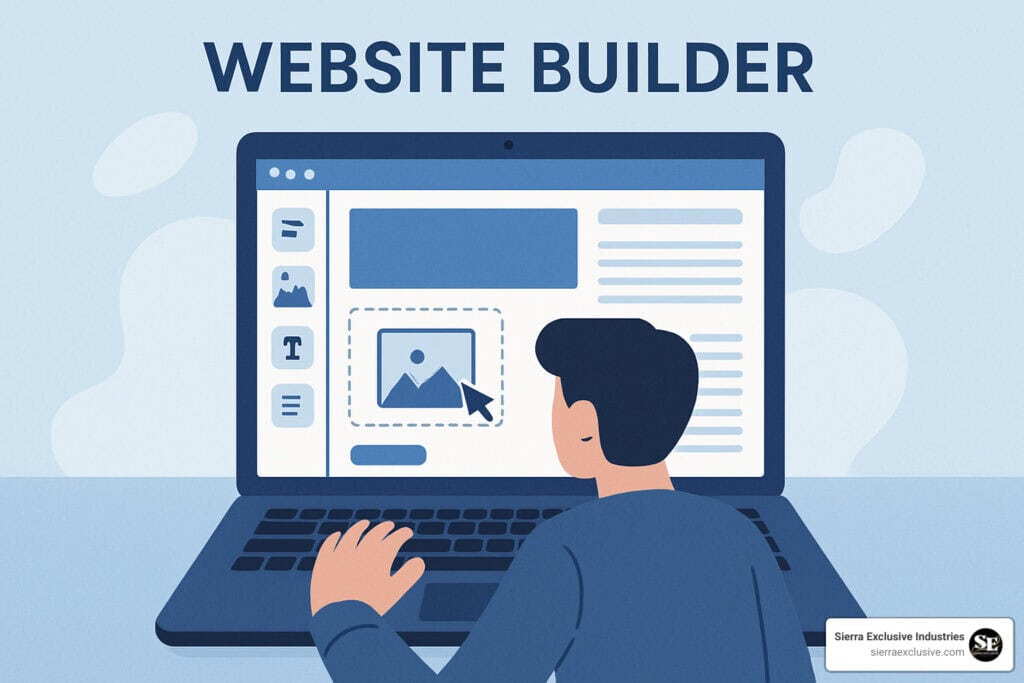
A drag-and-drop website builder is a tool that makes designing WordPress pages super simple. Instead of using the default WordPress editor or writing code like HTML and CSS, you just drag elements onto your page and place them where you want.
Most builders come with ready-to-use components like:
- Text blocks
- Images and videos
- Buttons
- Contact forms
- Columns and layouts
- Testimonials and pricing tables
The best part? You see your changes instantly as you build. This makes it easy to try different layouts and styles without any guesswork.
These builders are popular because they make website creation faster and easier. Beginners get a functional, professional-looking page up in no time, while experienced designers can take advantage of advanced features to create custom designs.
For businesses, drag-and-drop builders are a huge time-saver. You can update your site, tweak designs, or add new pages without calling a developer for every little change.
What to Look For in the Best Drag and Drop Website Builder WordPress Users Can Use
Not all page builders are made the same. Some are super simple and perfect for beginners, while others have advanced features that professionals love.
Before you pick one, it helps to think about a few important things.
Ease of use
A good builder should be easy to understand, even if this is your first time using WordPress. You should be able to drag elements around, adjust settings, and see your changes without getting confused. Builders with clean, simple interfaces are usually the easiest to work with.
Customization options
Customization is about how much control you have over your site’s look. The best builders let you change layouts, fonts, colors, spacing, and how your site looks on different devices. Some even let you add animations or custom code if you want more advanced design options.
Page speed and performance
A slow website frustrates visitors and can hurt your search rankings. Some builders create heavier code that can slow your site down. Picking a builder that keeps your pages fast will make your site more enjoyable for visitors.
Compatibility with themes and plugins
Your builder should play nice with your WordPress theme and any other plugins you use. If it doesn’t, it can cause layout issues or limit what you can do. Most popular builders work well with a wide range of themes and plugins.
Templates and design elements
Templates let you get a head start by giving you pre-designed layouts. Many builders come with libraries of templates and blocks you can customize to match your brand. This saves a ton of time when building pages.
Pricing and licensing
Some builders have free versions with basic features, while others require a paid plan. Premium versions usually include more templates, advanced tools, and support. Make sure the features match your budget and long-term needs.
Even with a good drag-and-drop builder, building and maintaining a WordPress site can still take time and effort. From choosing the right tools to keeping your site updated and running smoothly, there’s a lot that goes on behind the scenes.
At SetmySite, we take care of the technical side of things from setup and design to ongoing maintenance and support. Let us take care of the hard part so you can focus on growing your business. Contact us today!
Best Drag and Drop Website Builder WordPress Platforms Compared
If you want to build a WordPress site without touching a line of code, drag-and-drop page builders are a lifesaver. They let you design pages visually, save time, and create a professional look.
Here’s a look at some of the best options and what makes each one stand out.
Elementor
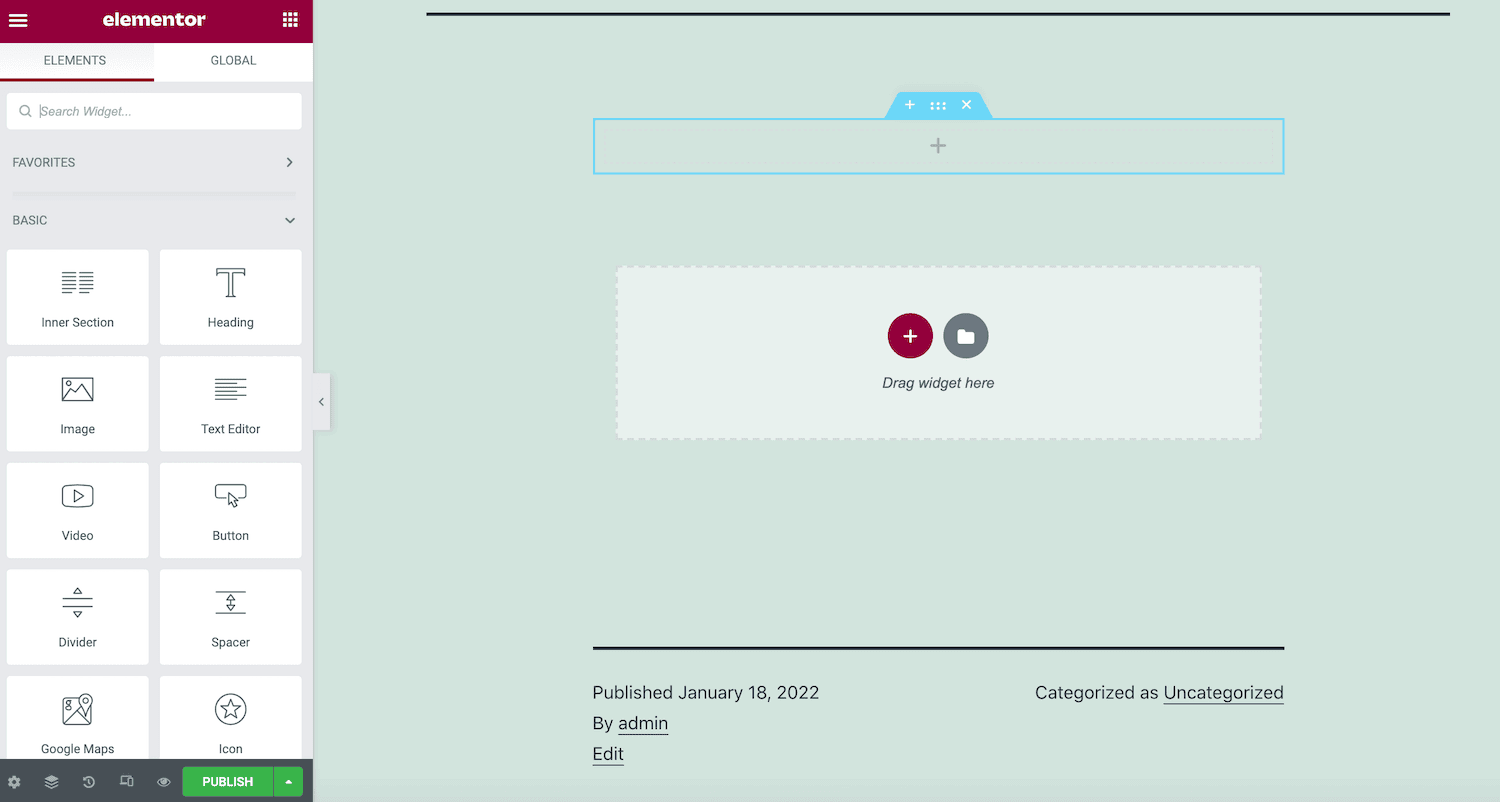
Elementor is one of the most widely used WordPress page builders today, and it’s easy to see why. It combines a beginner-friendly interface with powerful design tools. It’s a great choice for many types of websites.
One of the biggest advantages of Elementor is its true visual editing experience. As you drag widgets like text, images, or buttons onto the page, you immediately see how the page will look. This makes designing much faster because you don’t have to constantly switch between editing and preview modes.
Elementor also offers a large library of pre-designed templates and blocks. If you’re not sure where to start, you can choose a layout and customize it to match your brand. This is especially helpful for businesses that want a professional-looking site without spending weeks designing pages from scratch.
Another thing many users appreciate is Elementor’s flexibility. You can build everything from simple pages to full website layouts, including headers, footers, and landing pages. This makes it a strong option if you want one builder that can handle almost every part of your site.
However, if you’re trying to choose the best builder for your website, there are a few things to keep in mind. Elementor’s free version is powerful. But some advanced features, like the theme builder, marketing integrations, and additional widgets, are only available in the Pro version.
Also, if you use too many widgets or complex designs, it can affect your site’s loading speed, so it’s important to optimize your pages.
Why it’s helpful for you:
- Lets you see your changes in real time
- Saves time with ready-made templates
- Gives you the flexibility to create almost any design
Pros:
- Easy for beginners to learn
- Tons of customization options
- Free version available to get started
Cons:
- Some advanced features require Elementor Pro
- Using lots of widgets can slow your site down
Best for: Beginners, small businesses, and designers who want flexibility without complexity
Divi Builder
Divi Builder, created by Elegant Themes, is known for giving users a high level of control over how their website looks and functions. If you want the freedom to customize almost every part of your site, Divi is one of the builders that makes that possible.
Like most drag-and-drop builders, Divi lets you design pages virtually. But what makes it stand out is how detailed its design settings are. You can adjust spacing, fonts, colors, animations, backgrounds, and layouts with just a few clicks. This makes it possible to create very polished and unique pages without needing to write code.
Another feature many users like is the inline text editing. Instead of editing text in a separate panel, you can click directly on the text on your page and start typing. This makes the editing process feel more natural, almost like working in a design tool.
Divi also includes hundreds of pre-made layout packs designed for different industries. If you’re building a website for a restaurant, agency, online store, or service business, you can start with a ready-made layout and customize it instead of designing everything.
If you’re trying to choose the best builder for your site, Divi offers something unique: a single license that works on unlimited websites. This is one reason agencies and freelancers like using it for client projects.
That said, Divi does come with a learning curve. Because it offers so many design options, beginners may feel overwhelmed at first. Also, if you decide to switch to another builder later, cleaning up Divi layouts can take extra work since the builder relies heavily on its own structure.
Still, for users who want full creative control and powerful design tools, Divi remains one of the strongest WordPress page builders available.
Why it’s helpful for you:
- Lets you create highly customized, professional pages
- Includes pre-designed layouts to speed up design
- Great for building complex sites without coding
Pros:
- Highly customizable
- Large template library
- One license works on multiple websites
Cons:
- Can be overwhelming for beginners
- Switching away from Divi later can take extra work
Best for: Designers, agencies, and website owners who want full control over every page.
Beaver Builder
Beaver Builder is known for being simple, stable, and dependable. It may not have as many flashy design effects as some other page builders, but that’s actually one of the reasons many developers and agencies prefer it.
The builder uses a straightforward drag-and-drop system where you arrange content using rows, columns, and modules. This makes it easy to structure your pages without feeling overwhelmed by too many design options. If you want a builder that lets you create clean, professional pages without a steep learning curve, Beaver Builder is a solid option.
Another reason people choose Beaver Builder is its reputation for generating clean and lightweight code. This can help your website run smoothly and load faster compared to some builders that add a lot of extra code behind the scenes.
Beaver Builder also works well with most WordPress themes, which means you usually won’t run into compatibility issues. If you already have a theme you like, there’s a good chance Beaver Builder will integrate with it without problems.
That said, if you’re looking for a builder with lots of built-in templates or flashy design animations, Beaver Builder may feel a bit limited compared to tools like Elementor or Divi. But for many businesses, simplicity and stability are more important than extra visual effects.
Overall, Beaver Builder is a great choice if you want a builder that is easy to manage, reliable, and focused on performance.
Why it’s helpful for you:
- Lets you focus on building your site without technical headaches
- Works well with most WordPress themes
- Keeps your site running smoothly
Pros:
- Easy-to-use interface
- Reliable and stable performance
- Compatible with many WordPress themes
Cons:
- Smaller template library compared to other builders
- Fewer advanced design effects
Best for: Developers, agencies, or anyone who wants a stable, straightforward builder
WPBakery Page Builder
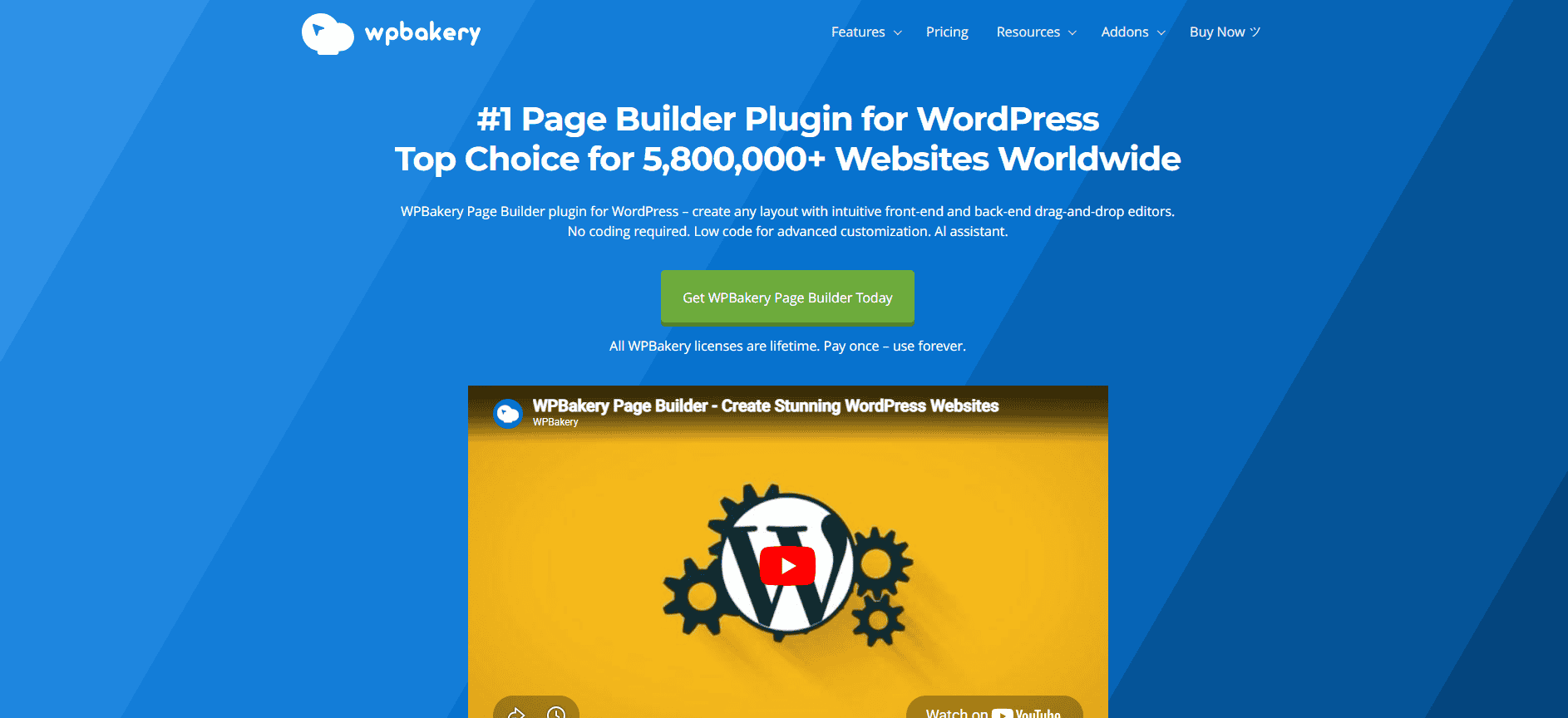
WPBakery Page is one of the older WordPress page builders, but it’s still widely used today. In fact, many premium WordPress themes come bundled with it, which is why a lot of websites continue to rely on this builder.
One thing that makes WPBakery different from some newer builders is that it offers both front-end and back-end editing. This means you can either design your page visually on the front end or manage your layout from the WordPress dashboard. If you like having more than one way to build pages, this flexibility can be useful.
Another advantage is the large ecosystem built around WPBakery. Because it has been around for a long time, many developers have created add-ons and extra elements that expand its functionality. If you need additional features, there’s a good chance you’ll find a plugin that works with it.
However, compared to newer builders like Elementor or Divi, WPBakery’s interface can feel a bit outdated. It may also take some time for beginners to get comfortable with how the layout system works.
Overall, WPBakery remains a practical option for many websites, especially those that are already built around it.
Note: If your WordPress theme already includes WPBakery, sticking with it can save you time. Switching to a different builder often means redesigning your pages from scratch.
Why it’s helpful for you:
- Works with themes you already have
- Lots of add-ons and extra elements available
- Gives flexibility if you’re familiar with the interface
Pros:
- Widely supported by themes and developers
- Flexible layout system
- Large collection of third-party add-ons
Cons:
- Interface feels less modern compared to newer builders
- Can be tricky for beginners
Best for: Users maintaining older WordPress sites or themes that already include WPBakery
Brizy
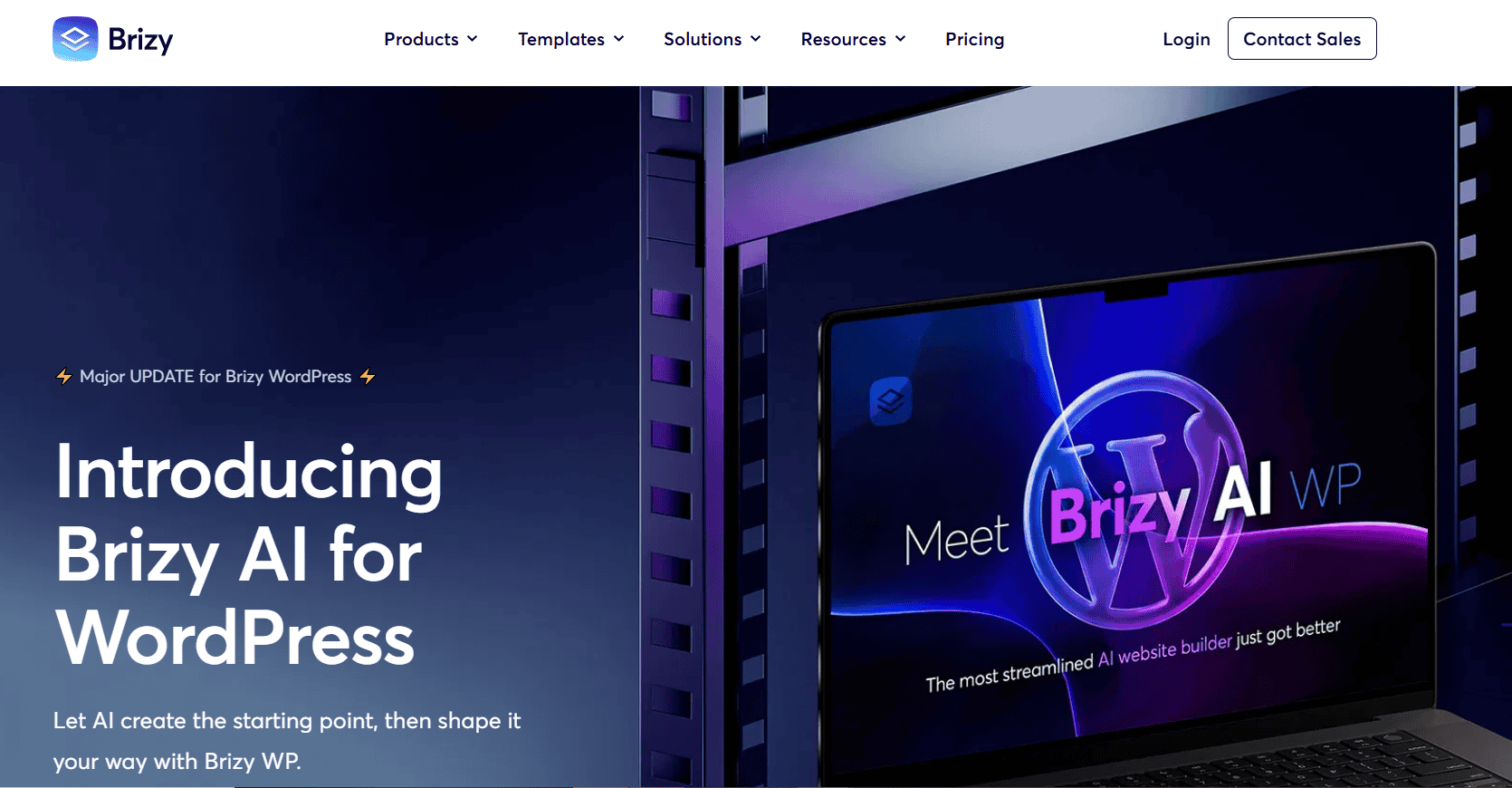
Brizy is a newer WordPress page builder that focuses on simplicity. If you’ve ever felt overwhelmed by builders with too many buttons and settings, Brizy tries to solve that problem with a cleaner, more streamlined interface.
One thing that makes Brizy different is how the editing tools appear. Instead of showing lots of side panels all the time, Brizy only displays editing options when you click on an element. This keeps the workspace clean and helps you stay focused on designing your page.
Brizy also includes a good selection of modern templates, especially for business websites, landing pages, and marketing campaigns. These ready-made designs can help you launch pages much faster since you don’t have to start from scratch.
For people choosing a page builder, Brizy can be a good option if you want something that feels simple and intuitive. You can quickly drag elements onto the page, adjust them, and see the results instantly.
However, since Brizy is newer compared to builders like Elementor or Divi, its community and ecosystem are smaller. That means there are fewer tutorials, add-ons, and third-party integrations available. Also, some advanced features are only included in the paid version.
Still, if your goal is to create clean pages quickly without dealing with complicated settings, Brizy is definitely worth considering.
Why it’s helpful for you:
- Makes building pages fast and stress-free
- Lets you focus on design without distraction
- Good selection of templates for landing pages
Pros:
- Simple and modern interface
- Fast design workflow
- Easy for beginners
Cons:
- Smaller community than older builders
- Some features require paid plans
Best for: Beginners and marketers who want a small builder for landing pages and small websites.
SeedProd
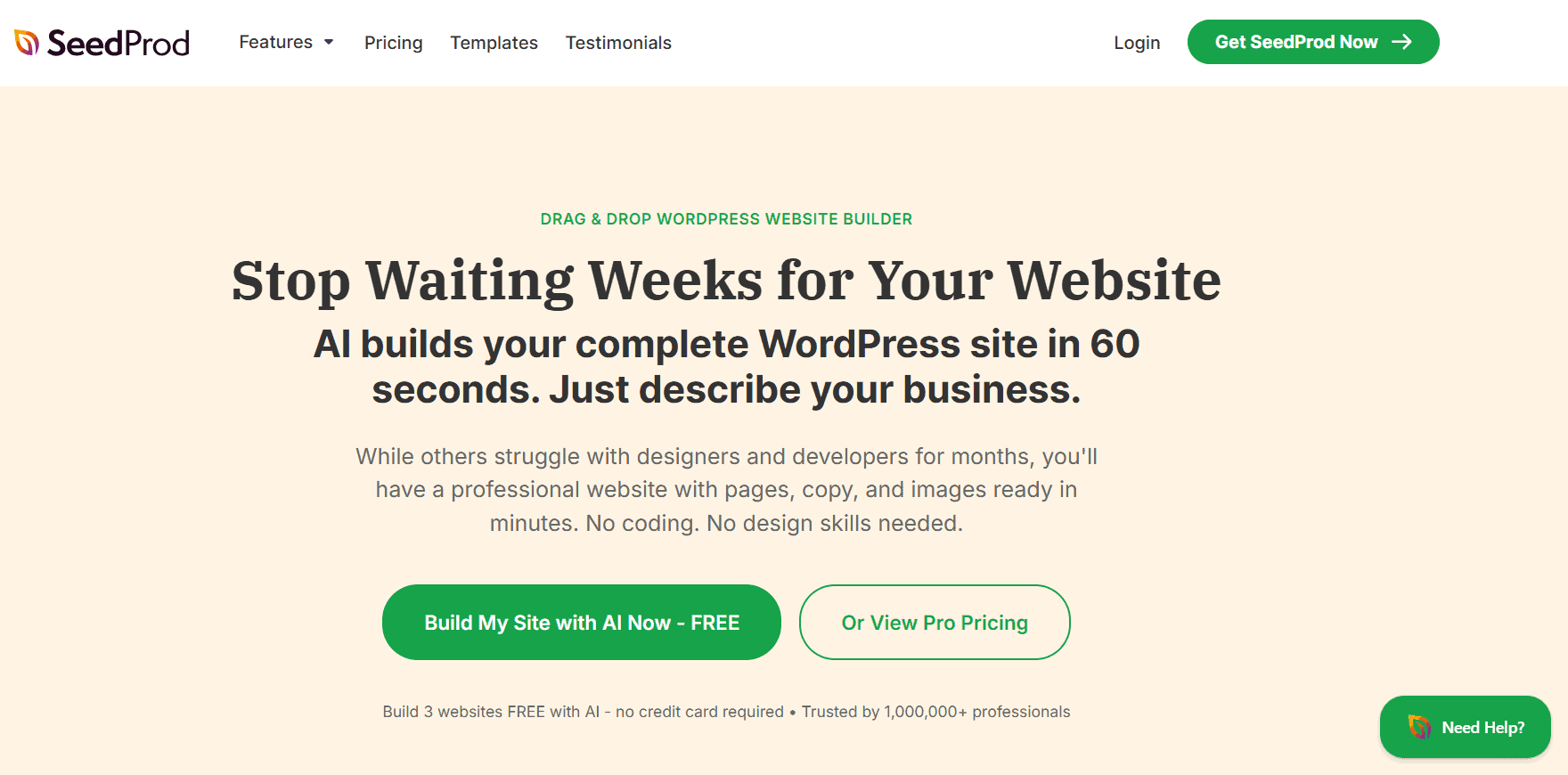
SeedProd originally started as a landing page builder, but it has grown into a full drag-and-drop website builder for WordPress. It’s especially popular with businesses and marketers who want to create pages that convert visitors into leads or customers.
What makes SeedProd stand out is its focus on speed and simplicity. The interface is straightforward, so you can quickly build pages without dealing with complicated design settings. If your goal is to launch a landing page, coming soon page, or sales page quickly, SeedProd makes the process very easy.
SeedProd also comes with several conversion-focused elements that help businesses capture leads and drive action. These include opt-in forms, countdown timers, call-to-action blocks, and integrations with email marketing tools. Instead of installing multiple plugins, many of these features are already built into the builder.
Another benefit is performance. This drag-and-drop website builder is designed to be lightweight, which helps pages load faster. This can improve user experience and help keep visitors on your site longer.
However, if you’re planning to build a complex website with many design elements, SeedProd may feel a bit limited compared to builders like Elementor or Divi. Some of the more advanced tools are also only available in the premium version.
Still, for businesses that want to build high-converting marketing pages quickly, SeedProd is one of the most practical options available.
Why it’s helpful for you:
- Lets you build high-converting landing pages quickly
- Simple interface makes design easy
- Integrates with email marketing tools
Pros:
- Great for marketing and conversion-focused pages
- Fast and easy to use
- Good performance
Cons:
- Fewer features for general website design
- Premium plan needed for advanced tools
Best for: Businesses and marketers who want effective landing pages without complicated tools.
Which Drag and Drop Builder is Best for Your WordPress Website?
Choosing the right builder really depends on what kind of website you want to make. Each tool has its strengths, so the best one for you depends on your needs.
Best for beginners
If you’re just getting started, Elementor and Brizy are the easiest to use. Their visual editors make it simple to design pages without needing any technical skills. You can drag, drop, and see your changes instantly.
Best for designers and agencies
For designers or agencies building custom websites for clients, Divi Builder is a great choice. It has a wide range of design tools and templates, so you can create highly customized layouts without writing code.
Best for stable, lightweight performance
If you care about speed and a clean, reliable site, Beaver Builder is a solid pick. Developers love it because it produces clean code and runs smoothly, even on complex websites.
Best for landing pages and marketing campaigns
For marketing-focused websites, SeedProd is perfect. It’s built for landing pages, coming soon pages, and lead generation, with elements like opt-in forms and countdown timers to help convert visitors.
Best for existing theme compatibility
If your WordPress theme already includes a builder, WPBakery might be the easiest option. Switching to a different builder later can require redesigning your pages, so sticking with what’s already included can save time.
Need help building or managing your WordPress website?
Choosing a builder is just one step. Designing pages, keeping your site updated, fixing issues, and making sure everything runs smoothly can still take time and technical know-how.
That’s where our team comes in. At SetmySite, we can help you on the technical side of WordPress so you can focus on running your business.
If you need help setting up a drag-and-drop builder, designing pages, improving site performance, or maintaining your website each month, our WordPress webmaster can help.
Tips for Choosing the Right WordPress Page Builder
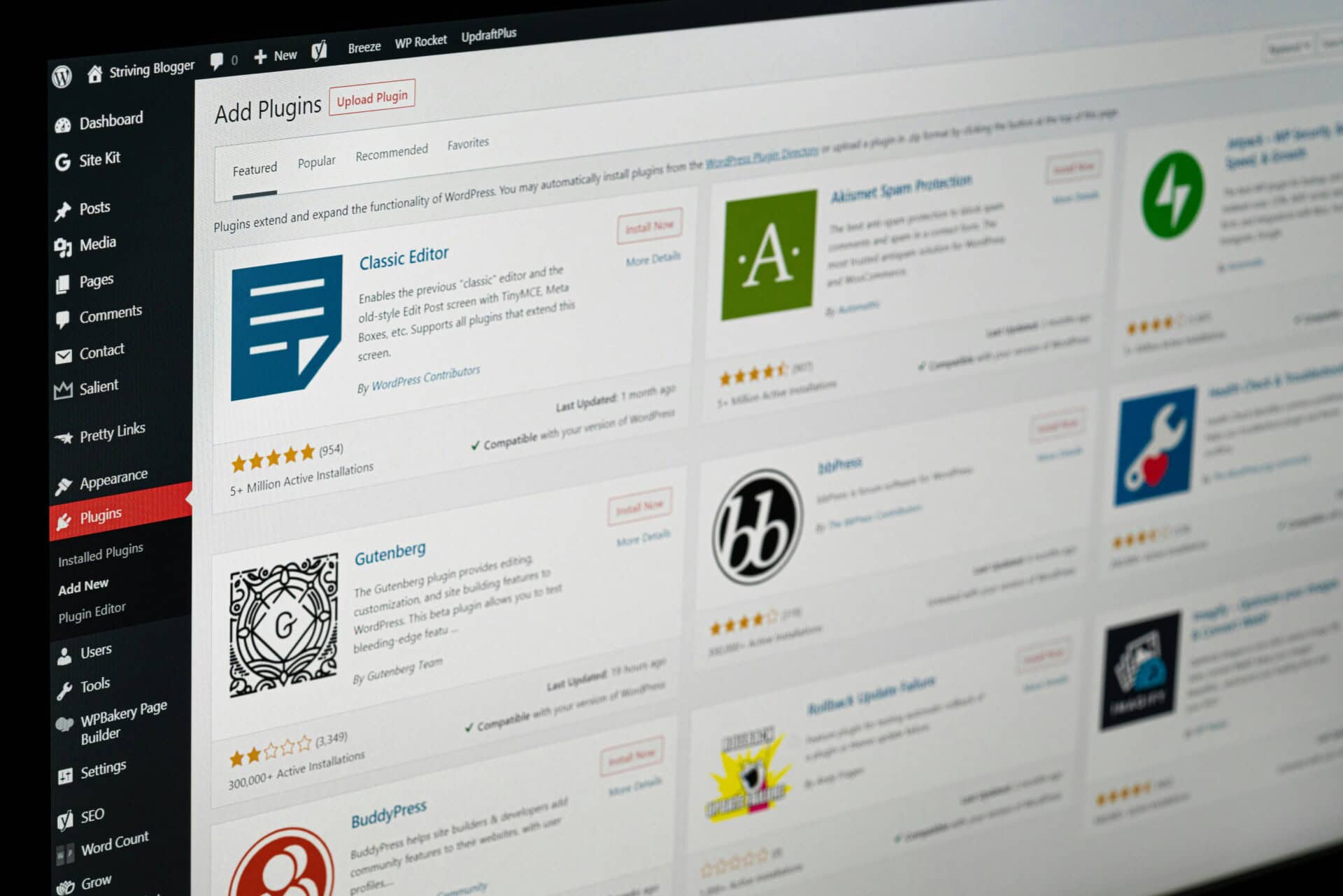
Picking the right page builder can make running your website a lot easier. Here are some tips to help you choose the one that works best for you:
- Start with your website goals: Think about what the website is for. A blog, a business site, or a marketing funnel all have different needs. Picking a builder that fits your goals will make your life simpler and prevent extra headaches.
- Avoid using multiple builders: Using more than one page on the same site can cause problems and slow your site down. It’s usually best to pick one builder and stick with it.
- Try the free version first: Many builders offer free versions. Give them a try before paying for a premium plan. This way, you can see if the interface and features feel right for you.
- Think about long-term flexibility: Switching builders later can be tricky because each tool will save you time and effort down the road.
Final thoughts
Drag and drop builders have made WordPress websites easier than ever to create and manage. With the right platform, you can build professional, high-performing pages without touching a line of code.
The key is choosing a builder that fits your needs and workflow, so your website looks great and runs smoothly. But even with the best tools, keeping your site fast, secure, and updated takes time and expertise.
At SetmySite, our monthly website maintenance plans handle updates, backups, security, and performance so you don’t have to worry. Focus on growing your business while we keep your WordPress site running flawlessly.
Take action now. Protect your website and give your business the online presence it deserves with our plans today. Contact us!