


So, how much does it cost to have someone run a website for you?
These days, having a well-managed website isn’t just a nice-to-have. It’s a must for businesses of any size. Your website is like your online storefront, showing your products and services to customers. But running a website takes time, effort, and know-how, which is why bringing in professionals can save you time and make sure everything works as it should.
How Much Does a Website Cost in 2026?
In 2026, the cost of running a website typically ranges from $100 to $300 monthly when managed by a professional service. This fee often covers hosting, maintenance, updates, and support, ensuring your website remains functional, secure, and up-to-date with industry standards.
What are you really paying for?
When people hear that website management costs a monthly fee, they sometimes wonder where that money goes.
The truth is, you’re not just paying someone to make the occasional update. Website management covers the ongoing work that keeps your site running properly behind the scenes. That includes things like:
- Software updates
- Security checks
- Backups
- Fixing technical issues
- Improving performance
Instead of waiting for something to break, you’re paying to help prevent problems before they happen.
Factors Influencing Website Management Costs
When it comes to managing a website, several factors can impact the overall costs. Below are the key factors that influence website management costs.
Website complexity
The complexity of your website plays a significant role in management costs. Simple, static websites with few pages are generally less expensive to manage than dynamic, feature-rich sites that include e-commerce capabilities, databases, or custom applications. The more complex your site, the higher the ongoing maintenance and management costs.
Hosting and infrastructure
The choice of hosting service also affects costs. Shared hosting plans are typically cheaper but may lead to slower load times and limited support.
On the other hand, dedicated hosting or cloud-based solutions can provide better performance and security, but they come with higher monthly fees. Choosing the right hosting plan is essential for managing costs effectively.
Content updates
Keeping your website updated with fresh content like blog posts, articles, and videos is important for SEO and keeping visitors interested. How often you update your site will affect your overall management costs. While hiring professionals or agencies to create content can be pricey, it can really boost your website’s performance in the long run.
Design and customization
If your website requires frequent design changes or custom features, expect to incur additional costs. Custom designs often necessitate ongoing work from web designers or developers, leading to higher management fees. It’s essential to balance aesthetic needs with budget considerations when planning your website’s design.
Security measures

Investing in robust website security is essential to protect your website from threats. This includes:
- SSL certificates
- Regular security audits
- Malware protection
The more comprehensive your security strategy, the more you can expect to pay in terms of management costs. While it’s an upfront expense, it can save you money in the long run by preventing costly security breaches.
SEO and marketing services
Incorporating SEO and digital marketing into your website management strategy can drive traffic and improve visibility. However, these services often come with additional fees. Whether you’re outsourcing to an agency or employing an in-house team, marketing services can significantly impact your overall website management budget.
Technical support and maintenance
Technical support is critical for resolving issues quickly and ensuring your website operates smoothly. The cost of this support can vary based on the provider and the level of service you require. Ongoing maintenance, including software updates and backups, also contributes to management costs, so consider these factors when budgeting.
Additional reading: WordPress Support Service Built for Busy Business Owners
Why Some Businesses Spend More Than Others
Not every business needs the same level of website support. A small brochure website that rarely changes will usually cost less to manage than an online store with hundreds of products and regular updates.
The more your website does, the more attention it needs. That’s why website management plans are often flexible. You’re paying for the level of support your website actually needs instead of paying for services you’ll never use.
Is paying someone to manage your website worth it?
So, how much does it cost to have someone run a website for you? For most business owners, the answer comes down to time.
You can learn how to manage your own website, but that also means keeping up with updates, fixing problems when they happen, checking security, and making sure everything keeps working properly.
If your website is important to your business, having someone else take care of those jobs can save you a lot of time and frustration. It also means you have someone to turn to when something goes wrong instead of trying to figure it out yourself.
Our Website Support Plans at a Glance
At SetMySite, we offer a range of website support plans designed to fit your specific needs. Whether you require basic updates or more advanced site management, we have a plan to keep your website running smoothly, secure, and optimized for performance. Here’s a quick overview of our plans:
Upkeep plan
Our Upkeep Plan is perfect for those who need regular maintenance and minor updates to keep their website fresh and functional. This plan covers essential tasks like edits, design changes, troubleshooting, and speed optimization with a quick turnaround time of just one business day.
You’ll also get basic 3rd party integrations, SEO fixes, and a full website audit. Plus, you’re backed by our expert web team with 24/7 emergency care and a variety of support tools.
Enjoy 60 minutes of support time each month with rollover up to two hours. On the security side, daily WordPress updates, uptime monitoring, malware scans, and a security firewall ensure your site stays protected.
Webmaster plan
Our Webmaster Plan is a great option if you need more comprehensive support. In addition to all the features of the Upkeep Plan, this plan offers intermediate 3rd party integrations, event and ticket management, and simple eCommerce setup.
You’ll also benefit from:
- 120 minutes of monthly support time (with rollover up to four hours)
- Phone and video call support
- A dedicated website manager for personalized assistance.
With more frequent uptime monitoring and expanded visual monitoring, your site will always be running smoothly and securely. Daily backups, a 90-day backup history, and detailed monthly reports provide peace of mind and added control.
Advanced plan
Our Advanced Plan offers the highest level of service. Along with everything in the Webmaster Plan, you get:
- Advanced eCommerce functionality
- Membership site management
- Complex integrations
- Custom development.
This plan includes 180 minutes of monthly support, which can roll over up to six hours, plus direct access to our team via phone, video calls, and your dedicated website manager. We’ll monitor up to five pages for performance issues and ensure 24/7 security with daily backups, malware scans, and continuous uptime monitoring.
With any of these plans, you can feel confident that your website will be well-maintained, secure, and optimized, allowing you to focus on growing your business. Ready to get started? Contact us today to find the right website support plan for your needs and keep your site running at its best!
Website maintenance is more than just maintenance
Many people think website management is only about keeping WordPress updated. While that’s part of it, there’s much more involved.
A good website management service also helps improve performance, keeps your website secure, fixes technical problems, and makes updates whenever your business changes. It’s about making sure your website continues to support your business instead of becoming another thing you have to worry about.
What Do You Need to Build a Website?
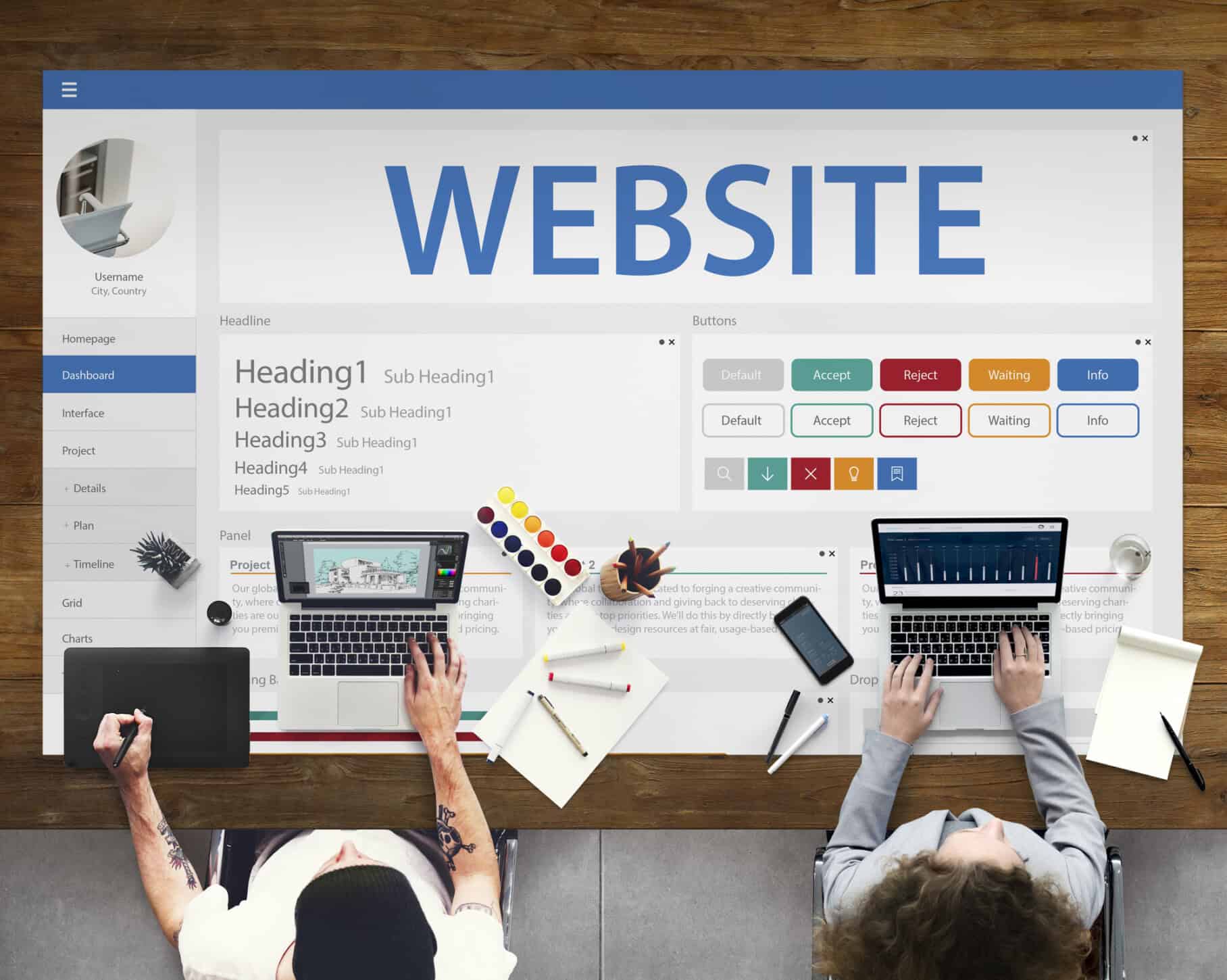
Building a website takes a few key pieces to come together, and each one is important for making sure your site works well and looks great. Here’s what you’ll need:
Domain name
A domain name is your website’s address on the internet (e.g., www.yourbusiness.com). It’s important to choose a domain that reflects your brand and is easy for users to remember. Domain names typically need to be registered through a registrar, which may incur an annual fee.
Web hosting
Hosting providers store your website’s files and data on their servers. Depending on your needs, you can choose from various hosting types, including shared, VPS, or dedicated hosting.
Content Management System (CMS)
A CMS helps you create, manage, and publish content on your website without needing extensive coding knowledge. Popular CMS platforms include WordPress, Joomla, and Drupal, each offering different features and flexibility to suit your needs.
Website design and layout
You can choose to use pre-made templates or custom designs, depending on your skill level and budget. Consider factors like color schemes, typography, and overall aesthetics to create an appealing site.
Content
High-quality content includes text, images, videos, and other multimedia elements that convey your message and showcase your brand. Regularly updating content can also improve SEO.
SSL certificate
An SSL certificate encrypts data transferred between your website and its users, ensuring security and privacy. Having an SSL certificate is especially important for e-commerce sites, as it builds trust with customers and protects sensitive information.
SEO tools
SEO tools help improve your website’s visibility on search engines like Google. Incorporating keywords, optimizing page speed, and utilizing analytics can enhance your site’s performance and attract more visitors.
Plugins and add-ons
These enhance your website’s functionality, allowing you to add features such as contact forms, social media integration, e-commerce capabilities, and more. Depending on your CMS, you can find a variety of plugins to meet your specific needs.
Backup solutions
Regularly backing up your website is essential for protecting your data in case of unforeseen issues, such as hacking or server failures. Backup solutions can be manual or automated, ensuring you can restore your site quickly if needed.
Read more: Top Reasons to Outsource Website Maintenance for Your Business
How to Estimate Website Costs Based on Your Goals
Figuring out how much it will cost to build a website can seem confusing with so many things to think about. But if you match your budget to your specific goals, it gets a lot easier.
Define your website’s purpose
Start by clearly defining the purpose of your website. Are you creating an e-commerce platform, a portfolio, a blog, or a corporate site?
The primary function will significantly influence the overall cost. For example, an e-commerce site requires more features like payment gateways and product management systems, increasing the budget.
Identify essential features
Once you’ve established the website’s purpose, identify the essential features you need. These may include:
- User registration, which is necessary for sites requiring user accounts.
- E-commerce functionality like shopping carts, payment processing, and inventory management for online stores.
- Content management system to manage content in a user-friendly way.
- SEO tools, which are essential for improving search visibility.
Outlining these features will help you gauge development complexity and associated costs.
Choose a design approach
Your design approach will also affect the cost. You can opt for a pre-designed template, which is usually more affordable, or invest in a custom design tailored to your brand. Custom designs often come with a higher price tag but can provide a unique user experience that stands out in a competitive market.
Consider ongoing maintenance and support
Website management doesn’t end at launch. Factor in ongoing costs such as:
- Hosting fees: Monthly or annual costs for keeping your site live.
- Technical support: Costs for troubleshooting issues or making updates.
- Content updates: Regularly adding new content to keep your site fresh and engaging.
Budgeting for these recurring expenses is essential to maintaining your website’s effectiveness.
Get quotes from professionals
If you’re considering hiring a web development agency or freelancer, gather quotes to compare costs. Be clear about your goals and requirements when discussing your project, as this will help them provide more accurate estimates. Different providers may offer varying rates based on their experience and services.
If you’re not sure what level of website support is right for your business, SetMySite is here to help. We’ll take the time to understand your website, explain your options, and recommend a website management plan that fits your needs and budget. That way, you only pay for the support you actually need.
Account for marketing and SEO
Finally, consider allocating a portion of your budget for marketing and SEO. Effective digital marketing strategies can drive traffic to your site and improve conversion rates. Investing in SEO services can also enhance your site’s visibility in search engine results, ultimately leading to increased engagement and revenue.
Conclusion
If you’ve been wondering, “How much does it cost to have someone run a website for you?”, the answer depends on the level of support your website needs. Knowing what goes into website management can help you make the right decision for your business and your budget.
While professional website management is an investment, it can save you time, reduce technical headaches, and help keep your website running smoothly. If you’re ready to make website management easier, our team at SetMySite is here to help. We can handle the technical side of your website so you can spend more time focusing on growing your business. Reach out today!