


Many website owners start with Wix for one simple reason: it’s easy. You can build a site quickly, choose a template, drag a few elements into place, and go live within hours. For small projects or personal sites, that convenience works well in the beginning.
But as your website grows, the same simplicity that made Wix appealing can start to feel limiting. You may run into restrictions with design, performance, or search engine optimization. Features that once felt “good enough” may no longer support your goals.
That’s where WordPress comes in.
Switching from Wix to WordPress is a common next step for businesses and creators who want more control, flexibility, and long-term growth. In this article, you’ll learn what Wix to WordPress migration involves, why many site owners make the switch, and how to approach the process with confidence.
What is Wix to WordPress Migration?
Wix to WordPress migration is the process of moving your website from the Wix platform to WordPress. While it might sound straightforward, it involves more than simply copying and pasting content.
A complete migration typically includes:
- Transferring pages, blog posts, and media files
- Rebuilding or redesigning your website layout
- Preserving SEO elements like URLs, metadata, and internal links
- Setting up hosting and configuring WordPress
- Testing the new site to ensure everything works properly
Because Wix is a closed platform and WordPress is open-source, there’s no direct “one-click” transfer. Instead, the process requires careful planning to make sure nothing important is lost along the way.
Website owners who consider migration often fall into a few categories:
- Growing businesses that need more advanced features
- Bloggers looking for better SEO tools
- Service providers who want more control over their branding
- eCommerce stores preparing to scale
If your website is becoming a central part of your business, migrating to WordPress can open the door to more possibilities.
Key Reasons to Switch from Wix to WordPress
If you’re currently using Wix, chances are it’s done a solid job getting your website up and running. It’s simple, fast, and easy to manage.
But as your website grows, your needs start to change. You may want more control, better performance, or features that go beyond what Wix is designed for. That’s usually when WordPress starts to make more sense.
Here are some of the main reasons people make the switch:
Greater customization and flexibility
Wix is designed to keep things simple, which is great when you’re just starting out. But that same simplicity can feel limiting once you want to do more with your site.
WordPress gives you a lot more freedom. You can:
- Choose from thousands of themes or build a custom design
- Add new features through plugins
- Adjust layouts and functionality based on your needs
- Create a site that fully matches your brand
Instead of working within a set structure, you have the flexibility to build your site the way you want it.
Better SEO capabilities
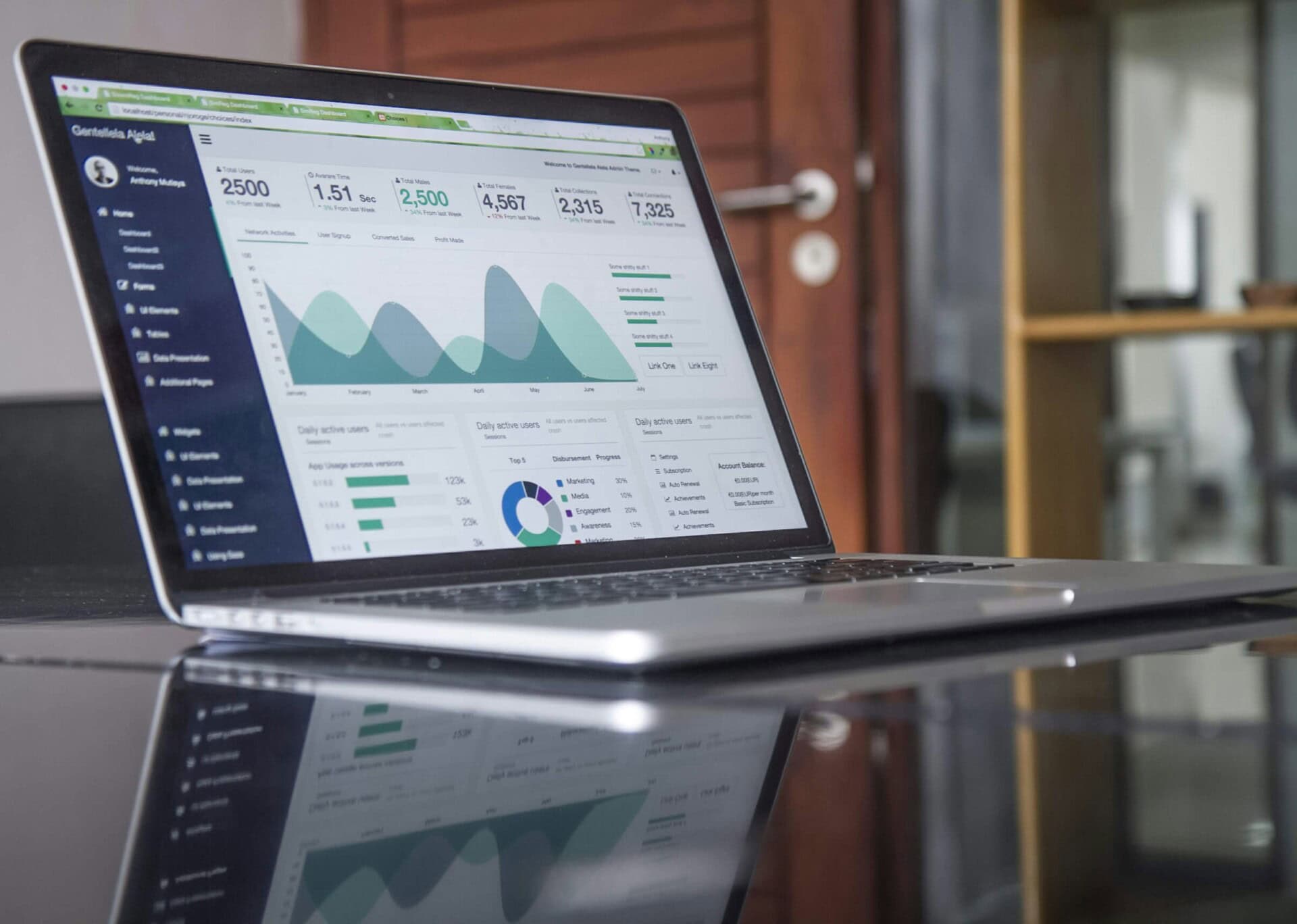
If you’re trying to grow your traffic, SEO becomes more important over time.
Wix covers the basics well, and for many small sites, that’s enough. But if you want more control over how your site performs in search engines, WordPress gives you more room to optimize.
With WordPress, you can customize URLs and site structure and edit meta titles and descriptions easily. You can also add schema markup, improve page speed and image optimization, and use advanced SEO tools for deeper insights.
This added control can help you improve rankings and bring in more consistent traffic.
Improved performance and speed
Website speed plays a big role in how people experience your site.
With Wix, most of the performance setup is handled for you, which keeps things simple. But it also means you don’t have much control over how your site is optimized.
With WordPress, you have more options to improve speed and performance. You can:
- Choose a hosting provider that fits your needs
- Use tools to optimize loading speed
- Compress images and manage scripts
- Set up performance features like caching and CDNs
When everything is set up properly, your site can run faster and handle more visitors without slowing down.
Full ownership and control
Wix takes care of hosting and maintenance for you, which is convenient. But it also means your website is tied to their platform.
With WordPress, you have full ownership. You control where your site is hosted, your website files and data, the tools and features you use, and how your site grows over time.
This gives you more freedom, especially if your website becomes a bigger part of your business.
Scalability for growing websites
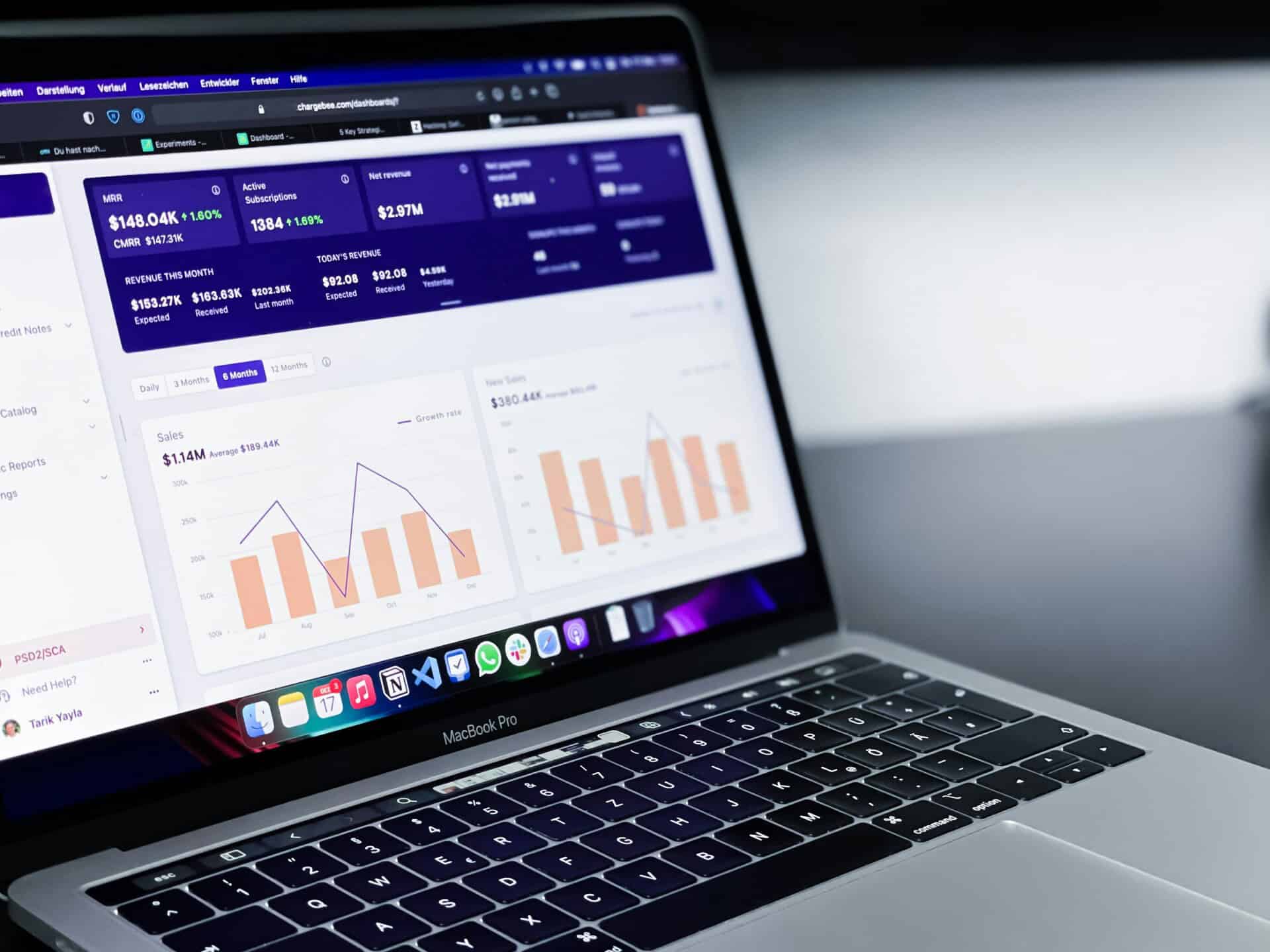
Wix works well for small to medium-sized sites. But as your business grows, you might start needing more advanced features or better performance.
WordPress is built to grow with you. Whether you’re running:
- A blog with lots of content
- A service-based business
- An online store
- A membership or course site
WordPress can handle it. You can keep adding features, improving your site, and expanding without feeling limited.
Common Challenges During Migration
Switching from Wix to WordPress can feel exciting, especially if you’ve started to outgrow Wix’s limitations. But if you’ve ever tried to “just move things over”, you’ll quickly realize it’s not as simple as copying and pasting your site into a new platform.
There are a few bumps along the way, and it helps to know what you’re walking into so nothing catches you off guard.
Content transfer issues
Not everything moves over neatly. While your text content can usually be transferred, things like layouts, spacing, and certain media elements don’t always carry over the way you expect. You might find yourself rebuilding pages or reformatting blog posts to get them looking right again.
Broken links
This is one of those issues you might not notice right away. If your URLs change during the move, some internal links or even backlinks from other sites can break. That can frustrate visitors and hurt your search rankings if it’s not fixed properly with redirects.
Design differences
If you’re used to how your Wix site looks, this part can feel a bit frustrating at first. Wix templates don’t transfer directly to WordPress, so your site won’t look identical right away. You’ll either need to recreate the design using a WordPress theme or take the opportunity to improve it.
SEO risks
If your site is already getting traffic, you’ll want to be careful here. A poorly handled migration can lead to drops in rankings or lost visibility. Things like missing metadata, broken links, or changed URLs can all impact your SEO if they’re not addressed.
Learning curve
WordPress gives you a lot more control, which is great, but it also means there’s more to learn. If you’re coming from Wix’s drag-and-drop setup, the WordPress dashboard might feel unfamiliar at first. It’s not overly complicated, but it does take a bit of time to get comfortable.
That’s one reason many business owners choose to work with a team like SetmySite during the transition. Instead of trying to learn everything on your own right away, you can get expert help with the migration, setup, updates, and ongoing support while you slowly get familiar with how WordPress works.
How to Migrate from Wix to WordPress
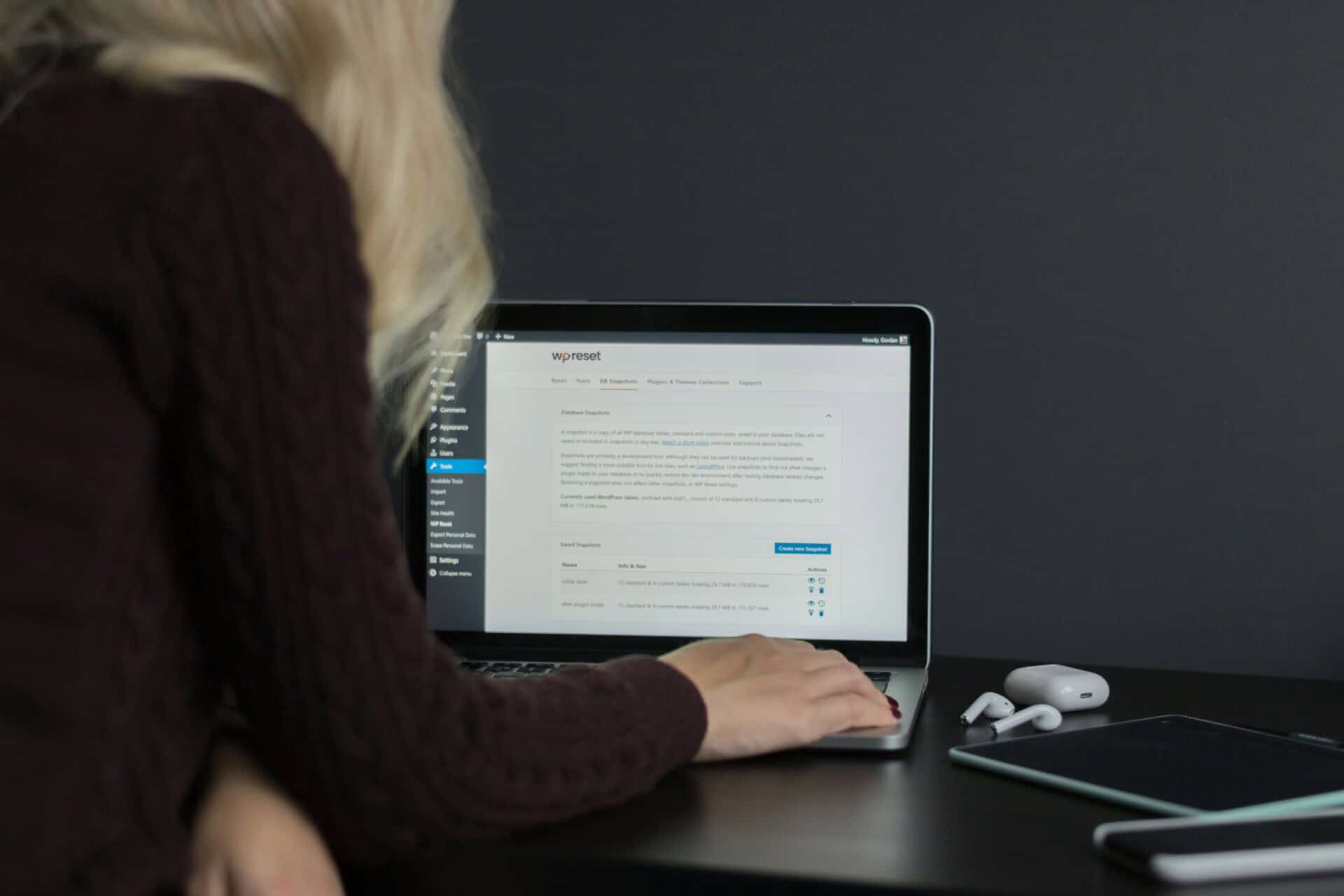
If you’re used to Wix’s drag-and-drop setup, moving to WordPress might feel a bit intimidating at first. The process isn’t instant, and there’s no one-click “transfer” button. But, worry not! It’s completely doable when you break it down into steps.
Here’s a simple, realistic look at how the process usually goes:
Step 1: Set up hosting and install WordPress
Unlike Wix, WordPress requires hosting. This is where your websites will live. Once you choose a reliable hosting provider, you can install WordPress. Most hosts make this part quick and beginner-friendly. This becomes your new workspace where everything will be built.
Step 2: Transfer content
This is where most of the hands-on work happens. You’ll need to move your pages, blog posts, images, and other content from Wix to WordPress. Some parts can be transferred with tools, but in many cases, you’ll be copying and pasting content manually.
It might feel repetitive, especially if you have a lot of pages, but this step also gives you a chance to clean things up. You can fix outdated content, improve formatting, and make everything more consistent.
Step 3: Choose and customize a theme
Your Wix design won’t carry over automatically, so you’ll need to choose a WordPress theme that fits your brand. The good news is you’ll have a lot more options.
You can try to closely match your old design or take this opportunity to refresh your site entirely. Adjust your layout, colors, font, and overall look until it feels right.
Step 4: Import media and structure content
Once your content and design are in place, it’s time to organize everything. Upload your images, place them where they belong, and rebuild your menus and navigation.
This step is important because WordPress gives you more freedom with structure. You can create a cleaner, more user-friendly layout than what you may have had on Wix.
Step 5: Set up permalinks and URLs
Your URLs matter more than you might think. If they change too much, it can affect your SEO and break existing links.
Try to match your old Wix URLs as closely as possible. When that’s not an option, set up redirects so visitors (and search engines) are sent to the right pages instead of landing on errors.
Step 6: Test and optimize
Before going live, take time to go through your site as a visitor would. Click every link, check every page, and test your site on both desktop and mobile.
Look out for:
- Broken links
- Missing images
- Formatting issues
- Slow-loading pages
Fixing these early helps you avoid problems after launch. It might not be as quick as building a Wix site from scratch, but once everything is in place, you’ll have a site that’s easier to grow, customize, and improve over time.
Should You Migrate on Your Own or Hire Experts?
At some point, you’ll need to decide how you want to handle the move. Do it yourself or get help? If you’ve been using Wix for a while, you might be used to doing things on your own. But moving to WordPress is a bit different. It takes more steps, and small mistakes can cause bigger problems later on.
There’s no one right answer here. It really depends on how comfortable you are with the process and how important your website is to your business.
When DIY might work
Doing it yourself can work if your site is pretty simple and you don’t mind spending time figuring things out. You can DIY when:
- Your website is small and doesn’t have many pages
- You know the basics of how websites work
- You’re okay with fixing issues if something breaks
If this sounds like you, you can take it step by step and learn along the way. Just expect it to take some time, especially if it’s your first time using WordPress.
When hiring experts makes more
For many people, getting help is the safer and faster choice. You should hire a dedicated webmaster service when:
- Your site has a lot of pages or custom features
- You rely on your site for traffic, leads, or sales
- You don’t want to deal with errors, broken links, or downtime
- You’d rather have everything done properly the first time
This is where working with a team can really help. Instead of guessing your way through the process, you have people who handle migrations regularly and know what to watch out for.
At SetmySite, we can help move your content, keep your SEO in place, and make sure your new WordPress site runs smoothly from day one. It also saves you a lot of time, so you can focus on your business instead of trying to fix technical issues.
Migration isn’t just about moving content. It affects how your site looks, how fast it loads, and how people find you online. Even small mistakes can lead to lost traffic or a poor user experience.
That’s why it’s important to choose the approach that gives you the best result, not just the fastest one.
How Professional Migration Services Can Help

If you’ve been using Wix for a while, you probably got used to doing things quickly and on your own. But once you decide to move to WordPress, the process can feel a lot more hands-on than expected.
That’s where working with a website management or support company can make things much easier. Instead of trying to figure everything out as you go, you have a team that knows exactly what needs to be done and how to avoid common mistakes.
Professional services usually cover everything from start to finish:
Complete site migration
Your pages, blog posts, images, and overall structure are moved over carefully. Nothing important gets left behind, and everything is organized properly on your new WordPress site.
SEO preservation
If your Wix site is already getting traffic, this part matters. A good website support service team will set up proper redirects and keep your SEO elements in place so you don’t lose your rankings during the switch.
Design matching or redesign
If you like how your Wix site looks, it can be recreated on WordPress as closely as possible. Or, if your site feels a bit outdated, this is a good chance to refresh the design and improve the layout.
Performance optimization
Your new WordPress site will be set up for better speed, security, and overall performance. This means faster load times and a smoother experience for your visitors.
Ongoing support
Even after the migration is done, you’re not left on your own. You’ll have someone to reach out to if something breaks, needs updating, or just doesn’t look right.
With ongoing maintenance and a 24/7 website uptime monitoring service, issues can be caught early before they turn into bigger problems that affect your visitors or your business.
Instead of spending hours trying to fix things or worrying about making mistakes, you can focus on your business while the technical side is handled for you.
SetmySite Website Support Plans for Wix to WordPress Migration
If you’re moving from Wix to WordPress, one of the biggest things you’ll quickly realize is that the work doesn’t end once the site is moved. A website needs regular care: updates, fixes, speed checks, and sometimes small changes when things break or need improvement.
At SetmySite, we offer different website support plans depending on how much support your website needs.
Upkeep plan: Your basic website care
This is a good starting point if your website is fairly simple and you just want it to stay updated and working properly. With this plan, you get help with things like:
- Regular website updates and small fixes
- Basic edits when you need to change content or images
- Fixing minor issues before they become bigger problems
- Security monitoring and backups
- Fast response time for simple requests
Think of it as “website maintenance in the background,” so you don’t have to worry about technical details after your migration.
Webmaster plan: More hands-on support
If your website is more important to your business and you need ongoing help, this plan gives you more direct access to support. It includes everything in Upkeep, plus:
- Phone and video call support
- Help with more complex updates and changes
- Support for simple eCommerce features
- More time each month for website tasks
This is a good fit for Wix users who are upgrading to WordPress and want someone they can actually reach when something they can actually reach when something needs fixing or improving.
Advanced plan: Full website management
This is the highest level of support and is designed for bigger or more complex websites. It includes:
- Everything in the lower plans
- Advanced eCommerce support
- Membership sites and custom features
- Dedicated account manager
- More complex development work
- Higher level of ongoing website support
If your website is becoming a core part of your business, this plan helps take the pressure off completely so you can focus on growth instead of maintenance.
Why This Matters After Moving from Wix
When you’re on Wix, a lot of things are handled for you in the background. But once you switch to WordPress, you have more control, which also means more responsibility.
Having a support plan from SetmySite means you’re not left figuring things out alone after migration. Whether it’s a broken page, a plugin issue, or just needing updates, there’s always someone ready to help.
Instead of worrying about the technical side of your website, you can focus on what actually matters: running your business and growing your online presence.
Conclusion
Switching from Wix to WordPress isn’t just about changing platforms. It’s about giving your website room to grow.
Wix is a great place to start, and for a while, it does the job. But if you’ve reached the point where your site feels limited, slow, or hard to customize, that’s usually a sign you’re ready for something more.
WordPress gives you that next level. More control, better performance, and the flexibility to build a site that actually supports your goals.
That said, the move itself can feel overwhelming. There are a lot of moving parts, and it’s easy to worry about breaking something, losing traffic, or spending hours trying to figure things out.
Ready to make the switch without the stress? If you’re serious about moving from Wix to WordPress but don’t want to deal with the technical side, SetmySite can take care of it for you.
Let us handle the migration while you focus on your business. Get started today and make your move to WordPress simple, smooth, and done right the first time.