

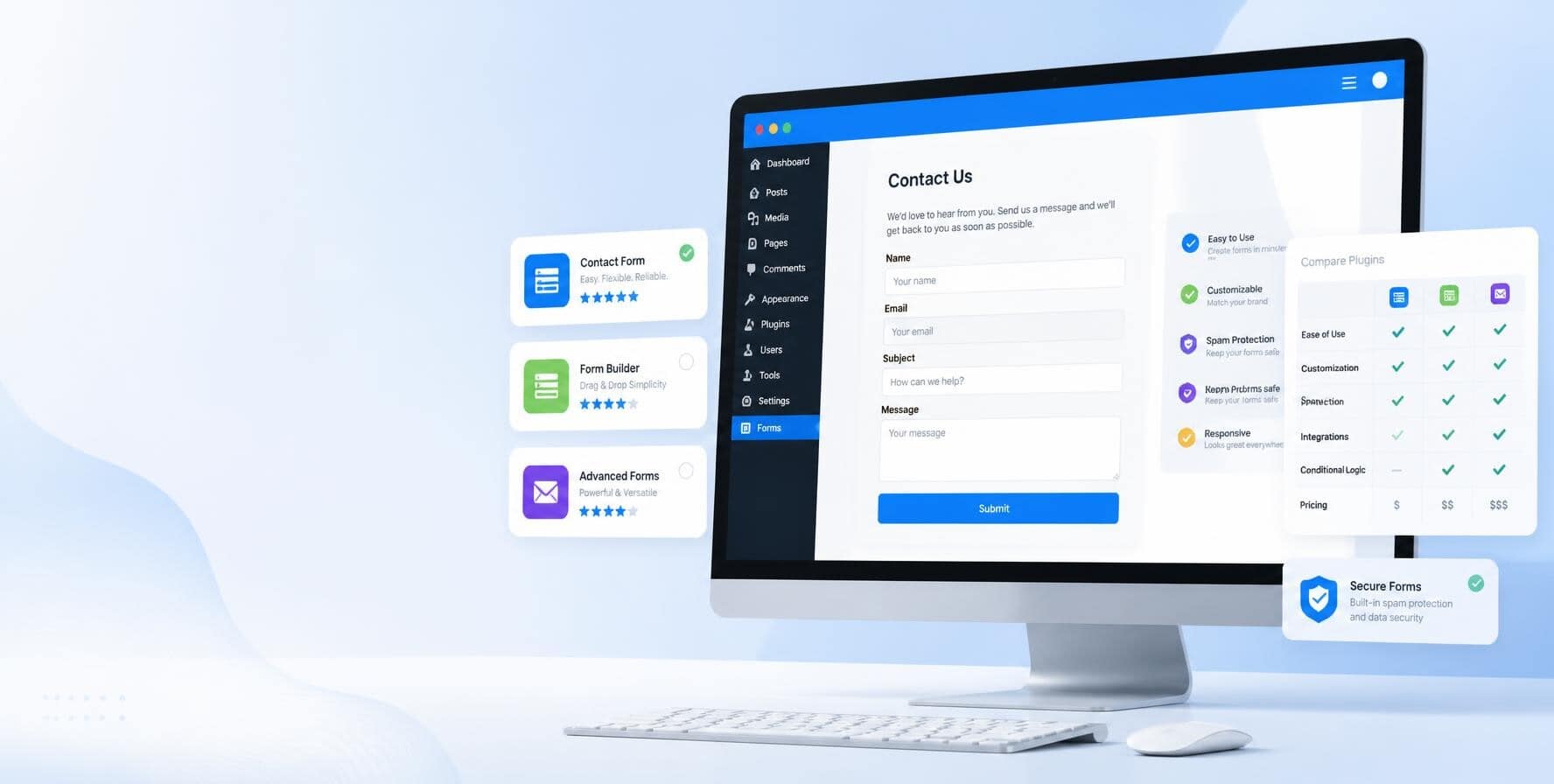
A contact form might seem like a small part of your WordPress website, but it can have a big impact on how visitors interact with your business.
It’s often the easiest way for someone to ask a question, request a quote, book a service, or send an inquiry. For some businesses, contact forms are also an important source of leads.
That’s why choosing the right plugin matters.
The challenge is that there are dozens of WordPress contact form plugins available. Some are made for simple forms, while others come with advanced features for payments, calculations, file uploads, automation, and more.
So, what is the best contact form plugin for WordPress? It depends on what you need.
A small business with a simple contact page doesn’t necessarily need an advanced form builder with dozens of features. On the other hand, a business collecting detailed leads or quote requests may quickly outgrow a basic plugin.
In this guide, we’ll look at seven contact form plugins worth considering and, more importantly, explain what type of website each one may be a good fit for.
What Makes a Good WordPress Contact Form Plugin?
Before choosing a plugin, it’s worth thinking about what you actually need from your forms.
A good contact form plugin should make it easy to build and manage forms without creating unnecessary problems for your website. Here are some of the features worth looking at.
Easy form building
If you’re not a developer, you probably don’t want to write code every time you need to add a field to a form.
Many modern plugins use drag-and-drop builders that let you add fields and arrange them visually. Some also include templates for common forms, so you can start with an existing layout instead of building one from scratch.
Ease of use becomes even more important if you or your team will be managing the website regularly.
Useful form fields
A basic contact form might only need a name, email address, and message field. But other forms may need more. Depending on your website, you may want:
- Phone number fields
- Dropdown menus
- Checkboxes
- Radio buttons
- File uploads
- Date fields
- Address fields
- Multi-step forms
- Conditional fields
The key is to choose a plugin that supports the fields you actually need.
Spam protection
Contact forms are a common target for spam bots. Without proper protection, you could end up with dozens or even hundreds of unwanted submissions.
Look for plugins that support features such as CAPTCHA, honeypots, or integrations with anti-spam services. The right option will depend on how much spam your website receives and how much protection you need.
Email notifications
A form submission doesn’t help much if you never receive it.
Your plugin should let you configure email notifications and choose where submissions are sent. Some plugins also let you send different notifications depending on the form or the information submitted.
For a business website, it’s also worth testing your email delivery regularly. A form can appear to work perfectly on the front end while emails fail to reach the intended recipient.
Integrations
You may eventually want your forms to connect with other tools.
For example, a lead generation form could send inquiries to your CRM. A newsletter form could add subscribers to your email marketing platform. A payment form could connect to a payment processor.
Not every website needs these integrations, but they’re worth considering if your forms are part of a larger business process.
Performance and compatibility
Your contact form plugin needs to work well with your WordPress theme and other plugins.
It’s also worth choosing a plugin that is actively maintained and regularly updated. An outdated plugin can create compatibility and security problems over time.
Remember that adding more features isn’t always better. If your website only needs a simple contact form, there’s little reason to install a plugin packed with features you’ll never use.
Security and data handling
Contact forms can collect personal information such as names, email addresses, phone numbers, and other details.
Consider how the plugin handles submitted information and whether submissions are stored in your WordPress database. You should also limit access to submissions to the people who actually need it.
Keeping WordPress, your theme, and your plugins updated is another important part of keeping your forms secure.
Need help choosing or managing your contact form plugin?
Not sure which contact form plugin makes sense for your website? At SetMySite, we can help you find the right setup based on what your website needs. We can also help with plugin installation, configuration, updates, and troubleshooting so your forms work properly without adding another task to your list. Don’t wait. Contact us today.
7 Contact Form Plugins to Consider for Your WordPress Website
There isn’t one plugin that will be the perfect fit for every website. Instead of simply choosing the plugin with the longest feature list, consider what you’re trying to accomplish with your forms.
Here are seven options worth considering:
1. WPForms
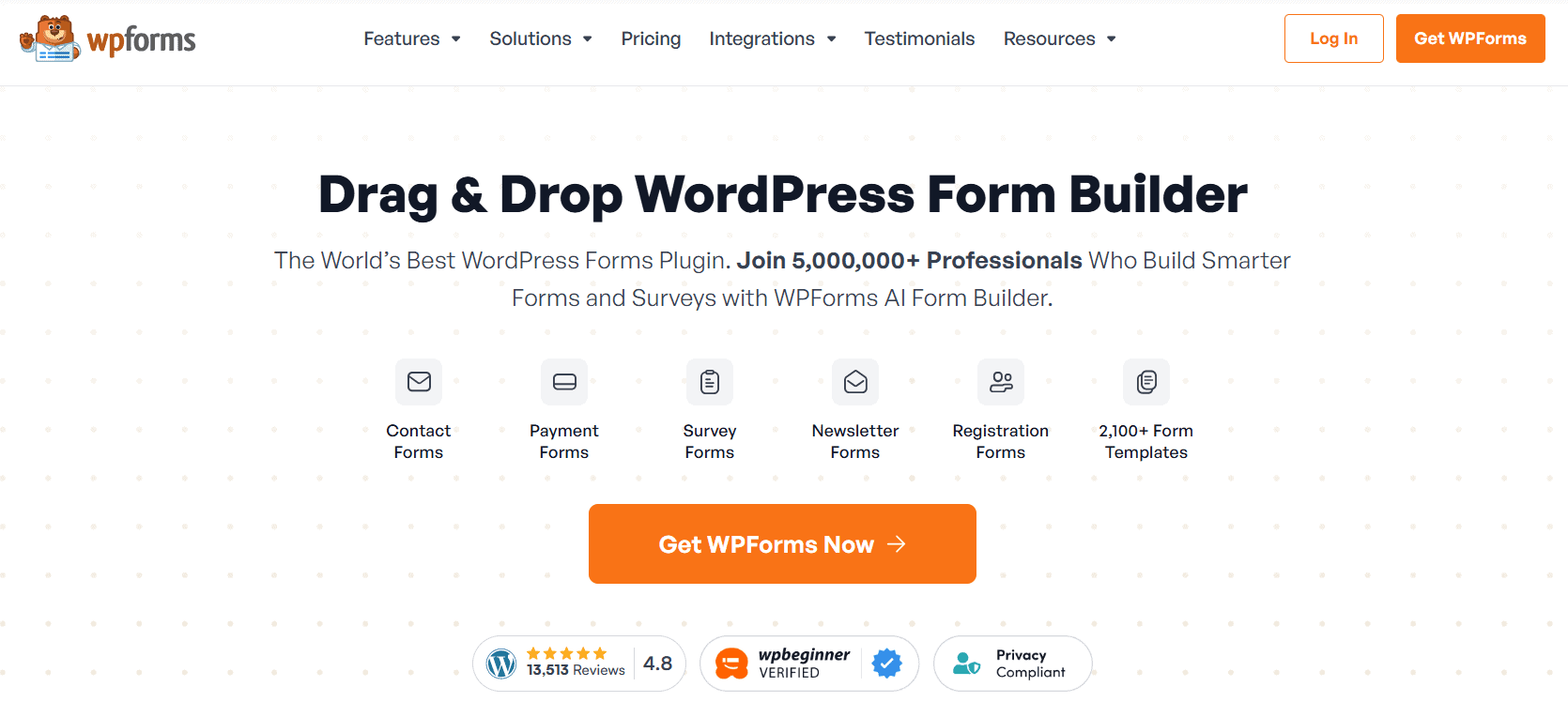
WPForms is designed to make WordPress form building straightforward, particularly for people who don’t have much technical experience.
Its drag-and-drop builder lets you add fields and arrange them without dealing with code. It also includes templates for different types of forms, which can make the setup process quicker. This can be useful for small businesses that need a professional-looking contact form without spending hours configuring it.
WPForms also offers more advanced functionality through its paid plans. Depending on the plan, you can access features such as:
- Conditional logic
- File uploads
- Payment integrations
- Connections with other services
The important thing is that you don’t necessarily need all of those features. If you’re building a simple contact page, the basic functionality may be enough. If your website grows and you need more advanced forms later, you can look at the additional features available.
Consider WPForms if: You want an easy-to-use form builder and don’t want to deal with code.
It may not be ideal if: You’re looking for the simplest possible plugin or need highly specialized functionality that requires another solution.
2. Gravity Forms
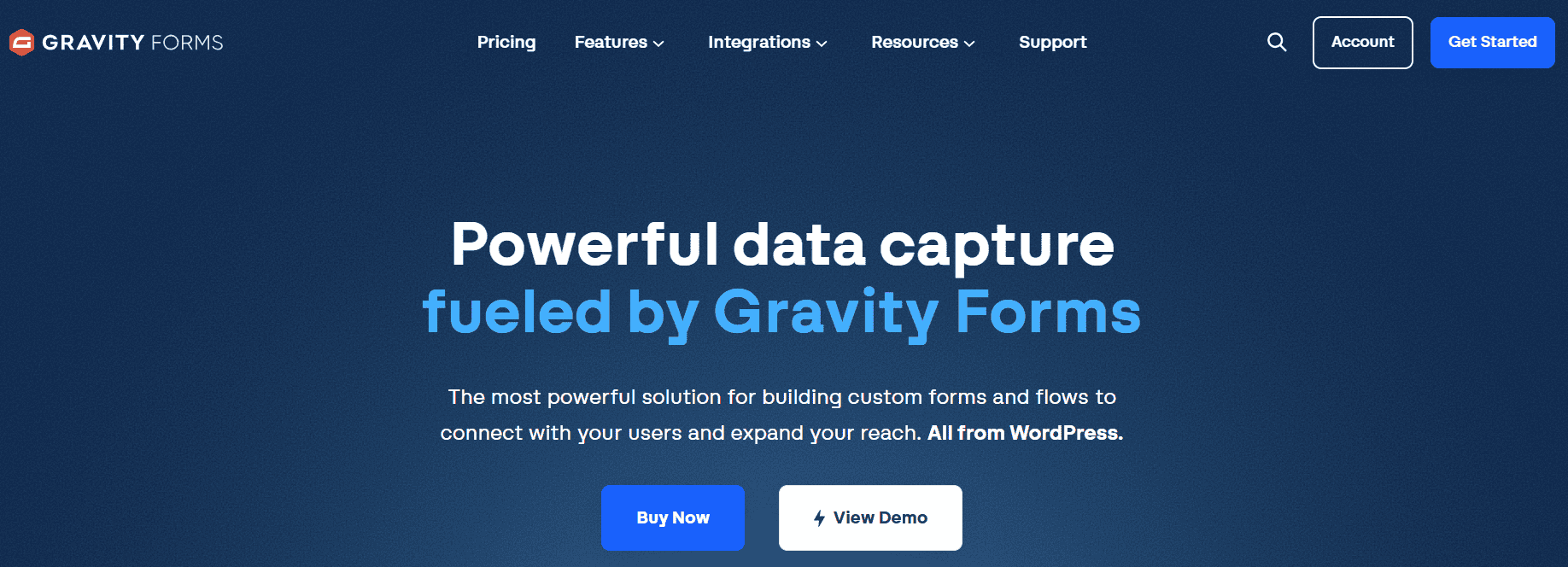
Gravity Forms is better suited to websites where forms are more than just a way to collect messages.
Businesses can use it to build detailed forms with features such as conditional logic, multi-page layouts, file uploads, payments, and integrations.
For example, a professional services business could create a detailed inquiry form that asks different questions based on the service a visitor selects. You could also use a form to collect information from an application, registration, or quote request.
Gravity Forms is a premium plugin, so it’s generally more appropriate for businesses that know they need its advanced functionality. For a basic “Contact Us” page, paying for an advanced form builder may not be necessary. But if forms are an important part of how your business operates, the additional functionality can be valuable.
Consider Gravity Forms if: Your business needs advanced forms, conditional logic, integrations, or workflows.
It may not be ideal if: You only need a basic contact form and want to keep your costs as low as possible.
Additional reading: Gravity Forms Plugin Guide: Everything You Need to Know
3. Formidable Forms
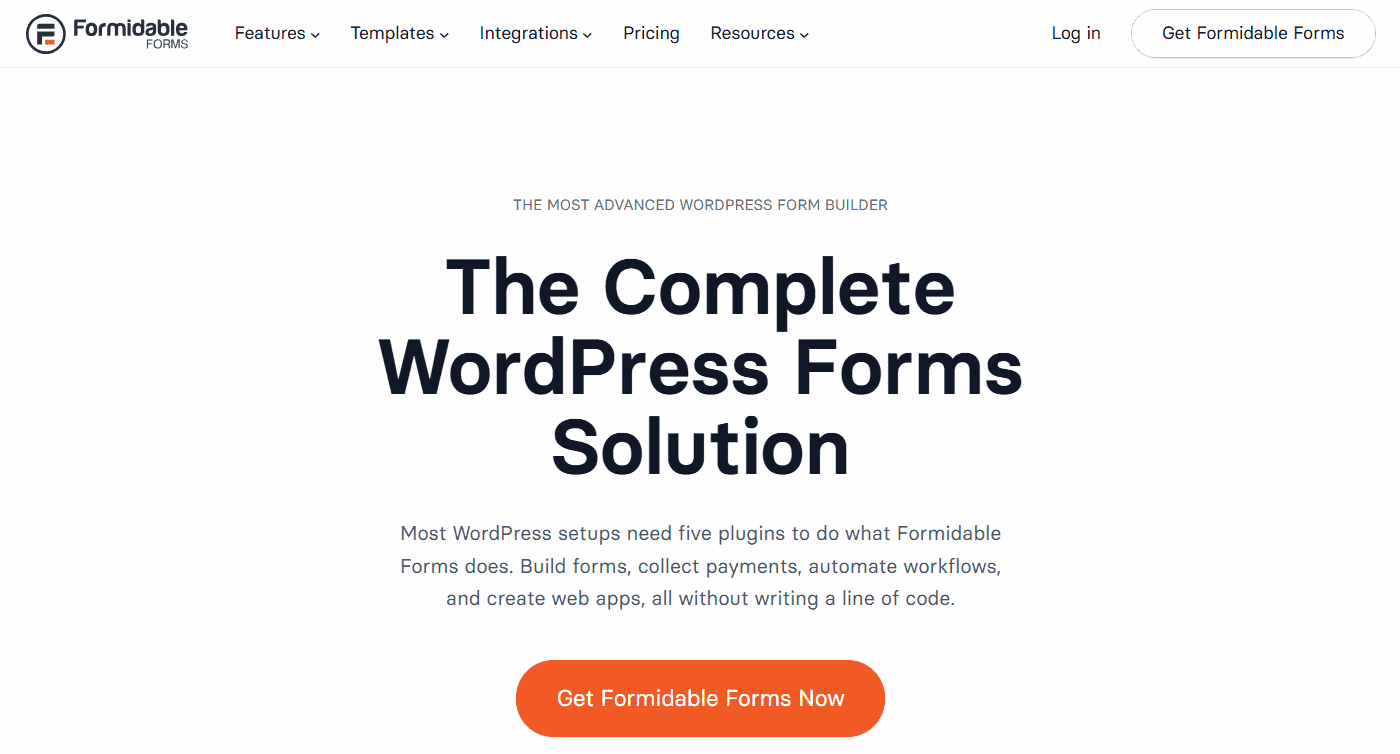
Some websites need forms that do more than collect information. That’s where Formidable Forms can be useful. The plugin supports more advanced form-building capabilities, including calculations, conditional logic, surveys, quizzes, and interactive forms.
For example, a home improvement company could create a quote calculator that estimates a project’s potential cost based on information entered by the visitor. A financial website could use a calculator to provide estimates, while a business could create a detailed application form that changes depending on the user’s answers.
This makes Formidable Forms a particularly interesting option for websites where forms are part of an interactive experience. However, those features may be unnecessary if you only need a simple contact form.
Consider Formidable Forms if: You need calculators, advanced forms, surveys, or other interactive functionality.
It may not be ideal if: You only need a basic form for general inquiries.
4. Contact Form 7
Contact Form 7 has been a popular WordPress contact form plugin for years. One of its biggest advantages is that it’s free. It can handle basic contact forms without requiring a premium subscription.
However, it has a different approach from newer drag-and-drop form builders. Instead of creating everything visually, Contact Form 7 uses form tags and configuration settings. This can be perfectly manageable for someone familiar with WordPress, but beginners may find it less intuitive.
The plugin can also be extended with additional plugins and integrations when you need more functionality. For a simple contact form, that may be all you need. But if you want a polished visual builder and lots of features available directly inside the plugin, another option may be a better fit.
Consider Contact Form 7 if: You want a free option for relatively simple forms and don’t mind a more technical setup.
It may not be ideal if: You want a beginner-friendly drag-and-drop builder.
5. Ninja Forms
Ninja Forms takes a modular approach to building WordPress forms. You can start with basic functionality and add more features through extensions and integrations as your requirements change. This can be useful for a growing website.
You may only need a simple contact form today, but later decide that you need file uploads, payment functionality, email marketing integrations, or other features. Instead of switching to another form plugin, you can add the functionality you need.
Like other form builders, Ninja Forms provides tools for creating different types of forms without requiring you to build everything from scratch. The main thing to consider is how the add-on structure fits your budget and requirements. If you need several extensions, the overall cost can increase.
Consider Ninja Forms if: You want a flexible plugin that can grow with your website.
It may not be ideal if: You prefer having all the features you need included in one simple package.
6. Fluent Forms
Fluent Forms is another option for WordPress users who want a modern form builder with a broad range of features. It uses a drag-and-drop interface and supports different types of forms, including:
- Contact forms
- Surveys
- Registration forms
- Multi-step forms
One of its biggest advantages is the amount of functionality available, including features aimed at businesses that need more than a basic contact form. Depending on your requirements and plan, you can also connect forms with various third-party services.
Fluent Forms can therefore be a good middle ground for someone who wants more functionality than a basic contact form plugin but doesn’t necessarily need a highly specialized form solution.
Consider Fluent Forms if: You want a feature-rich form builder with a modern interface and strong functionality.
It may not be ideal if: Your website only needs a very basic contact form and you want to keep your plugin setup as minimal as possible.
7. Jetpack Forms
Jetpack Forms is worth considering if your website already uses Jetpack or you prefer working with WordPress’s block editor. It allows you to add forms through the WordPress editing experience rather than relying on a completely separate form-building interface.
For simple contact, feedback, registration, and subscription forms, this can be convenient. The main advantage is simplicity. If you don’t need advanced calculations, complicated workflows, or a large collection of integrations, you may not need a dedicated advanced form builder.
On the other hand, businesses with more complex requirements may eventually need a plugin with more specialized features.
Consider Jetpack Forms if: You want something simple and already use Jetpack or prefer the WordPress block editor.
It may not be ideal if: You need advanced form functionality or complex workflows.
Which Type of Contact Form Do You Actually Need?
Before choosing a plugin, it helps to think about the type of form you’re building. Your website may need more than one form, but most forms fall into a few common categories.
Basic contact form
A standard contact form usually doesn’t need much. You might only need:
- Name
- Email address
- Subject
- Message
Add spam protection and reliable email notifications, and you have the basic setup most small websites need. Don’t make this form more complicated than it needs to be. If someone simply wants to ask a question, requiring them to fill out ten fields could discourage them from getting in touch.
Lead generation form
Lead generation forms may need a little more thought. A service business may want to know:
- What service the visitor needs
- Their phone number
- Their location
- Their preferred contact method
- Their approximate budget
- How soon they need the service
This information can help a business understand the lead before responding. However, there’s a balance. Asking for too much information can make people abandon the form. Only ask for information that you’ll actually use.
Quote request form
Quote forms tend to be more detailed. Depending on the business, you may need:
- Service type
- Project details
- Location
- Budget
- Measurements
- Preferred date
- File uploads
Conditional logic can be particularly useful here. Instead of showing every field to every visitor, the form can display additional questions based on their previous answers.
Registration or application form
Registration and application forms often require more information than a basic contact form. You may need multiple steps, file uploads, confirmation emails, and conditional fields.
Since these forms can collect sensitive or important information, think carefully about who can access submissions and how long the information should be stored.
Payment form
Some businesses also use WordPress forms to collect payments. This can be useful for things such as:
- Service deposits
- Event registrations
- Donations
- Other transactions
If you plan to accept payments through a form, make sure the plugin supports the payment service you want to use and that the setup meets your security requirements.
Free vs. Paid WordPress Contact Form Plugins: Which Do You Need?
One of the first questions you’ll probably ask is whether you need to pay for a contact form plugin. For some websites, the answer is no.
When a free plugin is enough
A free plugin can work perfectly well if you only need:
- A basic contact form
- Standard form fields
- Simple email notifications
- Basic spam protection
- A small number of forms
There’s no reason to pay for advanced features if you aren’t going to use them.
When it’s worth paying for a plugin
A premium plugin may make sense if you need:
- Conditional logic
- File uploads
- Payment processing
- Advanced integrations
- CRM connections
- Marketing automation
- Multi-step forms
- Advanced workflows
- Premium support
The key is to look at the features you actually need rather than buying the most expensive plan.
Don’t pay for features you won’t use
More features don’t automatically mean a better plugin. If your website only needs a simple inquiry form, an advanced form builder could add unnecessary complexity.
On the other hand, trying to force a basic plugin to handle complicated requirements can also create problems. Choose based on the job the form needs to do.
Read more: The Complete Guide to WordPress Site Management Services
How to Choose the Right Contact Form Plugin
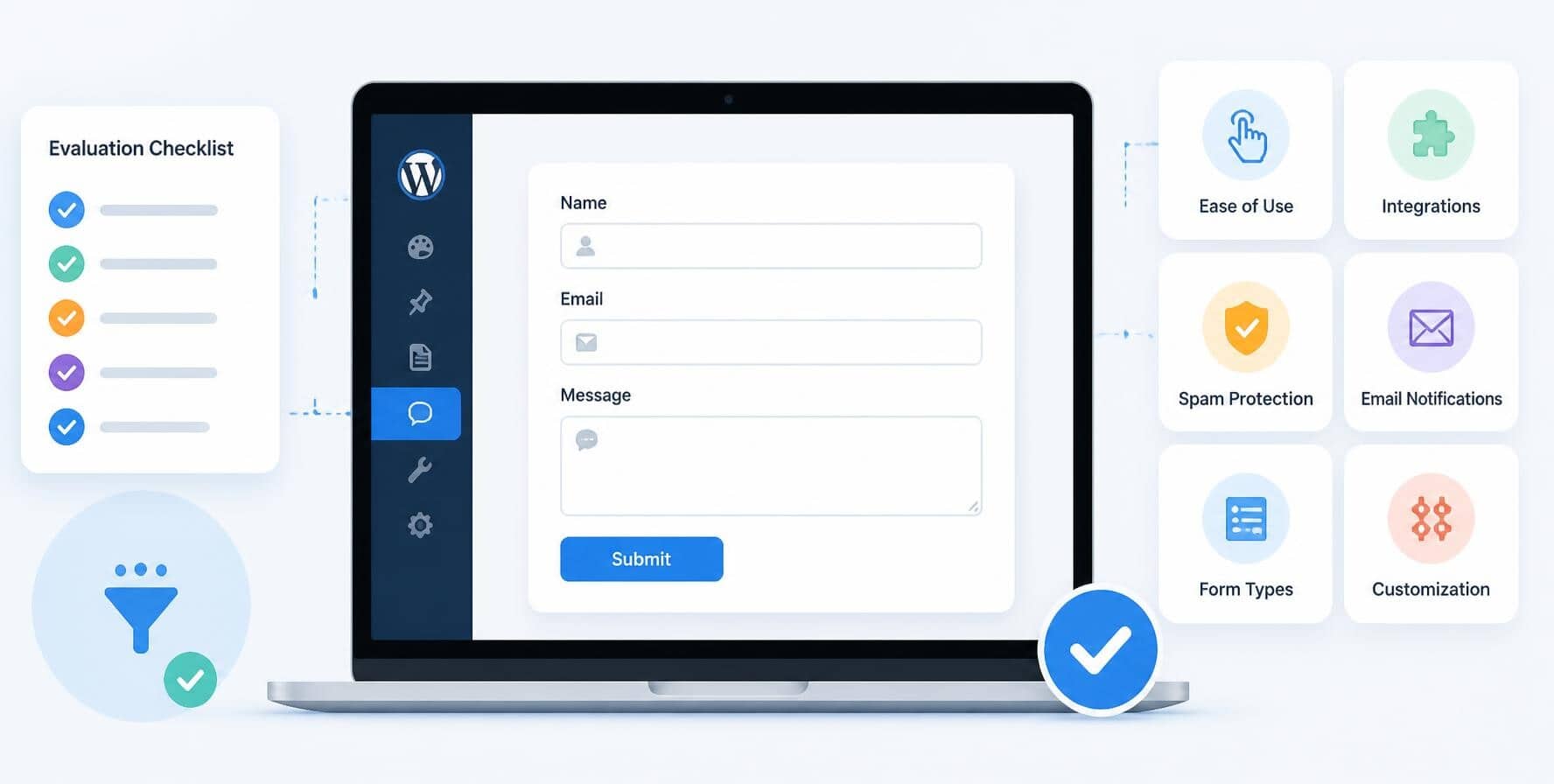
Once you know what type of form you need, choosing a plugin becomes much easier.
Step 1: Decide what the form needs to do
Start with the end goal.
Are you collecting general inquiries?
Generating leads?
Taking payments?
Creating applications?
Building an interactive calculator?
The answer will immediately narrow down your options.
Step 2: List the fields you need
Write down every field you actually need before choosing a plugin. This prevents you from picking a plugin based on features that sound impressive but aren’t relevant to your website.
Step 3: Check your required integrations
If your business uses a CRM, email marketing platform, payment processor, or automation tool, make sure the plugin can connect with it. Switching plugins later can be frustrating, especially if you’ve already built multiple forms.
Step 4: Think about who will manage the form
Consider who will actually maintain the website. If a non-technical team member will be creating and editing forms, a visual builder may be more practical than a technical solution.
If a developer manages your WordPress website, you may have more flexibility.
Step 5: Consider ongoing maintenance
Don’t just think about installation. The plugin will need to be updated along with WordPress and your other plugins. You may also need to troubleshoot compatibility problems, test submissions, and review email delivery.
A plugin that works today still needs to be maintained tomorrow.
Step 6: Test before you commit
Once your form is set up, test it yourself. Try submitting it from a desktop and mobile device.
Check whether the confirmation message appears and whether the notification email arrives. If you use integrations, check that the information reaches the correct service.
It’s much better to discover a problem yourself than to find out because a potential customer tried to contact you and received no response.
Common Mistake When Choosing a WordPress Contact Form Plugin

Choosing a plugin based solely on its feature list can lead to problems. Here are a few mistakes to avoid:
- Choosing based only on popularity: A plugin being popular doesn’t automatically mean it’s right for your website. Your requirements should come first.
- Choosing too many features: It’s easy to get distracted by long feature lists. But if you only need a basic contact form, dozens of advanced features may just make your setup more complicated.
- Ignoring email delivery: Your form can appear to work while your emails fail to arrive. Always test email delivery after setting up a form and after making significant changes to your website.
- Forgetting about spam: A public contact form without adequate spam protection can quickly become a source of junk submissions. Make sure your chosen plugin provides a suitable way to control spam.
- Installing multiple form plugins: There’s usually no reason to have several different form builders installed on one website. Using multiple plugins can make your website harder to maintain and may increase the risk of conflicts.
- Not testing forms after updates: WordPress websites change over time. A WordPress update, plugin update, or theme change can sometimes affect how a form works. That’s why important forms should be tested regularly.
- Making forms too long: Every field you add increases the amount of effort required from the visitor. Ask yourself whether each field is necessary. If you can remove a field without losing useful information, consider removing it.
Contact Form Plugin Maintenance: What to Check After Installation
If your website depends on forms to generate leads or communicate with customers, they should be treated as an important part of your website’s functionality.
Regular maintenance can include:
- Updating the contact form plugin
- Updating WordPress and other plugins
- Testing form submissions
- Checking email delivery
- Reviewing spam protection
- Testing forms on mobile devices
- Checking for plugin conflicts
- Maintaining website backups
- Monitoring website performance
- Removing unused forms and plugins
This is especially important for business websites. Imagine a potential customer visits your website, fills out a quote request form, and clicks submit. The page appears to work, but the submission never reaches your team.
You may never know that person tried to contact you. That’s why website maintenance isn’t just about keeping your homepage online. Important features such as contact forms need to be checked as well.
If you don’t have the time to keep up with WordPress updates, plugin maintenance, backups, testing, and troubleshooting, ongoing website support can take these tasks off your plate.
Best Contact Form Plugin for WordPress: The Right Choice Depends on Your Website
A contact form may be a small part of your website, but it still needs to work properly. Visitors should be able to reach you without running into errors, confusing fields, or forms that don’t send their messages.
Take some time to choose a setup that makes sense for your website and your customers. Once it’s in place, don’t forget about it. Regular updates and testing can help you catch small problems before they turn into missed inquiries.
If you need help managing your contact form plugins, SetMySite can help. We can handle plugin updates, troubleshoot contact form issues, check that forms are working properly, and help keep your WordPress website running smoothly.
That way, you can spend less time dealing with website problems and more time focusing on your business. Reach out to us today!