

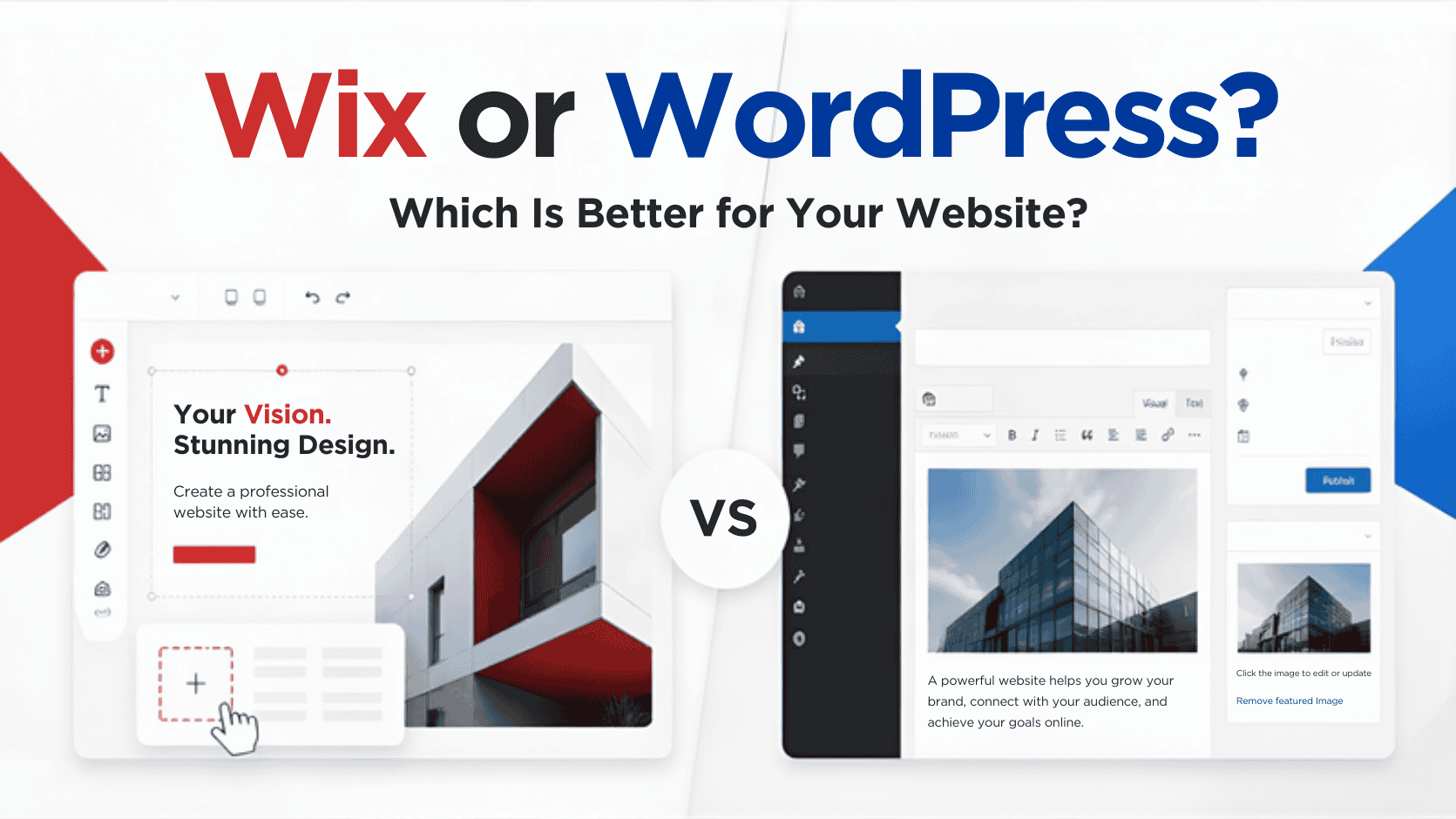
Wix or WordPress?
Choosing a platform for your website can feel like a bigger decision than it really is. You may have heard that Wix is easier to use, while WordPress gives you more control. You may have also come across arguments about which one is better for SEO, which costs less, or which is easier to manage.
The truth is that both Wix and WordPress can be good choices. The better option depends on what you need from your website and how much time and control you want to have after it goes live.
A small business that needs a simple website may have very different needs from a company planning to build a large online store or membership site. Your budget, technical skills, plans for growth, and willingness to handle website maintenance can all affect the decision.
So, instead of asking which platform is better overall, it helps to ask a more useful question: Which platform makes the most sense for your website?
Start With What You Need From Your Website
Before comparing Wix and WordPress feature by feature, think about what you actually want your website to do.
Are you building a simple website that introduces your business and gives customers a way to contact you?
Do you need a blog that you can update regularly?
Will you eventually add e-commerce, memberships, booking tools, or other features?
You should also think about how involved you want to be with your website. Some business owners want to make their own changes whenever they need to. Others would rather have someone else handle updates, fixes, and technical tasks.
Here are a few questions worth asking:
- What is the main purpose of your website?
- How much customization do you need?
- How often will you make changes?
- Do you expect your website to grow?
- Will you need advanced features later?
- How comfortable are you with technical website tasks?
- Who will handle the website when something stops working?
Your answers can make the choice between Wix and WordPress much easier.
When Wix Makes Sense
Wix is designed to make website building more straightforward. It provides a website editor, templates, hosting, and other tools within the same platform.
This can be useful if you want to get a website online without dealing with many of the technical details that come with managing a website.
You want a simpler setup
One of the biggest reasons people choose Wix is simplicity.
You can choose a template, customize the design, add your content, and publish your website through the same platform. You don’t have to put together separate hosting and website software just to get started.
This can make Wix appealing to a small business owner who wants to build a website without spending a lot of time learning how websites work behind the scenes.
You can also make many changes through the visual editor. Instead of working with code, you can generally edit your pages and see what they look like as you build them. For a straightforward website, that can be enough.
You want to make basic changes yourself
Wix can also make sense if you expect to handle most of your own website updates. For example, you might want to:
- Add a new service
- Change your business hours
- Update contact information
- Add a new page
- Replace an image
- Publish a blog post
- Make small design changes
You don’t necessarily need a developer for every small update. That can be helpful for business owners who want to keep control over their day-to-day website content.
You don’t need a highly customized website
Not every business needs a highly customized website.
If your goal is to create a professional online presence with standard pages such as Home, About, Services, Contact, and Blog, Wix may provide enough flexibility for what you need.
The same can be true for portfolios, personal websites, and other projects with relatively straightforward requirements.
The important thing is to think about where your website is going, not just what you need today. A platform that works well for a simple five-page website may not be the best fit if you expect the site to become much more complex later.
Already have a Wix website but don’t have time to keep updating it? SetMySite can help with ongoing Wix website support, from simple content changes to troubleshooting and other website tasks.
When WordPress Makes Sense
WordPress takes a different approach. It is a content management system that gives you a high level of control over your website.
Unlike an all-in-one website builder, a WordPress website typically involves separate hosting and other components. That gives you more flexibility, but it also means there are more things to manage. For many businesses, that trade-off is worthwhile.
You want more control
WordPress gives you a lot of room to customize your website.
You can choose from thousands of themes and plugins and work with developers to create custom features when you need them. This can be useful when your website has requirements that go beyond standard pages.
For example, you may want a specific form, integration, customer portal, booking system, e-commerce setup, or other functionality that isn’t available through a basic website builder.
WordPress can give you more options to build around those needs.
You expect your website to grow
A website may start out simple and become much more complicated over time.
Maybe you start with a few service pages and a contact form. Later, you want to add a blog, sell products, create a membership area, connect another business system, or build a more customized customer experience.
WordPress can accommodate a wide range of these requirements. That doesn’t mean every growing business automatically needs WordPress. It simply means the platform gives you more flexibility when your requirements change.
You need something more custom
WordPress can be particularly useful when a website needs functionality that goes beyond what a standard template can provide. Plugins can add features without requiring everything to be built from scratch. Developers can also create custom solutions when existing tools aren’t enough.
This flexibility is one of WordPress’s biggest advantages, but it comes with a trade-off. More flexibility usually means more moving parts. Themes and plugins need to work together. Updates need to be handled. Backups and security need attention. Problems can sometimes require technical troubleshooting.
In other words, WordPress can give you more control, but that control comes with more responsibility.
Need help keeping your WordPress site running smoothly? You don’t have to handle every update, fix, or website change yourself. At SetMySite, we can help you stay on top of the work without having to figure everything out on your own.
The Part People Often Forget: Managing the Website
Building a website is only the beginning.
Once your site is live, it still needs attention. Content needs to be updated. Software may need updates. Links can break. Forms can stop working. A plugin can cause an unexpected problem after an update.
This is where the difference between Wix and WordPress can become more noticeable.
With Wix, much of the underlying platform management is handled for you. You generally don’t have to worry about managing your own hosting environment or updating the Wix platform itself.
However, that doesn’t mean a Wix website never needs help. You may still need someone to update pages, make design changes, troubleshoot issues, add content, or improve the website as your business changes.
WordPress usually requires more hands-on maintenance. A WordPress site may need regular attention for:
- WordPress core updates
- Plugin updates
- Theme updates
- Backups
- Security monitoring
- Malware checks
- Performance issues
- Broken functionality
- Compatibility problems
This doesn’t mean WordPress is difficult to manage. It simply means you need a plan for managing all of these moving parts. If you have the time and technical knowledge, you may choose to handle them yourself. If you don’t, website management support can take those tasks off your plate.
The same idea applies to Wix. Even when technical maintenance is lighter, you may still want ongoing support for content updates, troubleshooting, and website improvements. That’s where having the right website support team can make a difference.
Additional reading: Ongoing Website Maintenance: What to Expect From A Website Support Service
How SetMySite can help with Wix and WordPress
You don’t have to choose between Wix and WordPress based on how much technical work you can handle yourself. At SetMySite, we provide website support for both Wix and WordPress websites.
So whether you already have a website up and running or you’re planning to make changes to an existing site, you can get help with the work that comes with keeping it updated. Our support can include things like:
- Website updates and content changes
- Plugin and software updates for WordPress
- Website troubleshooting
- Backups and basic security maintenance
- Fixing broken website elements
- Adding or editing pages
- Image and text updates
- General website maintenance
- Ongoing website support
You don’t always need a complete website redesign or a developer for every small problem. Sometimes, you just need someone who can take care of the task and keep things moving.
Whether you use Wix because you prefer a simpler setup or WordPress because you want more flexibility, we can help you manage your website without having to do everything yourself. Check out our website support plans here.
What About SEO?
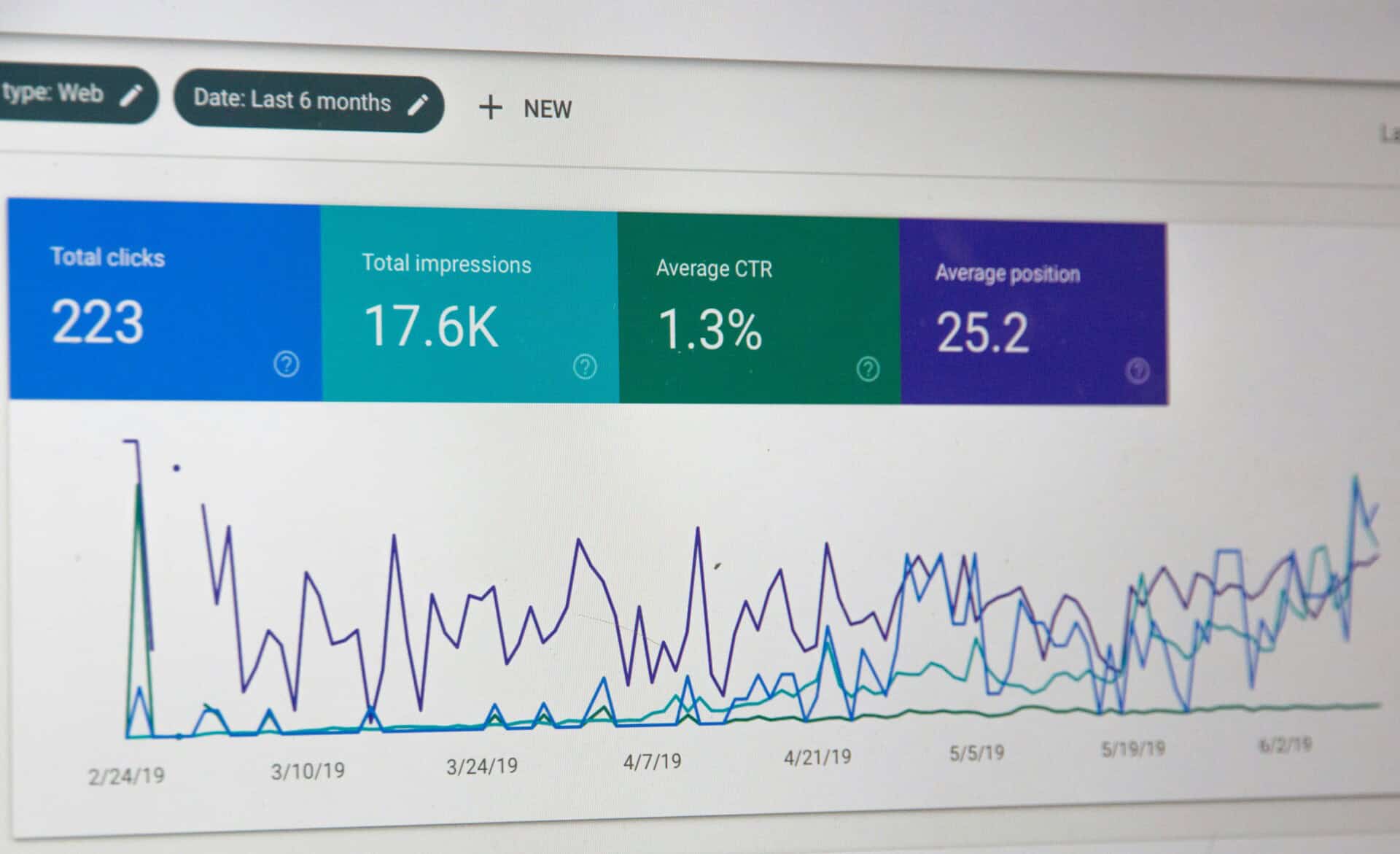
SEO is another area where people often ask whether Wix or WordPress is better. The important thing to remember is that your choice of platform is only one part of SEO.
A website can use WIX or WordPress and still struggle to rank if the content is poor, pages are difficult to navigate, the site performs badly, or important SEO fundamentals are overlooked. Your website’s SEO can be affected by things such as:
- Page titles and descriptions
- Content quality
- Website structure
- Internal linking
- Mobile experience
- Page speed
- Search intent
- Technical SEO
- Backlinks
- Image optimization
Both Wix and WordPress provide tools that can support SEO. WordPress offers a large selection of SEO plugins and gives users considerable control over different parts of the website. This can be useful for businesses with more advanced SEO requirements.
Wix also provides built-in SEO features that can cover many of the basics needed by a small business website. So, rather than choosing a platform solely because someone says it is “better for SEO”, consider what your actual SEO needs are.
If your website needs advanced customization and technical control, WordPress may give you more room to work with. If you have straightforward SEO needs and prefer a simpler platform, Wix may be enough.
Already have a website but struggling to keep up with the changes it needs? Website support can help with everything from updating pages to fixing technical issues, so you can spend less time working on your website and more time running your business.
What Will You Actually Spend?
Cost is another important part of the decision, but looking only at the starting price can give you an incomplete picture. You should consider the total cost of running and maintaining your website over time.
Wix costs
With Wix, many of the basic website costs are bundled into its plans. Depending on your plan and requirements, you may pay for things such as:
- Your Wix subscription
- Your domain
- Additional apps or features
- Professional website help
Because Wix is an all-in-one platform, it can be easier to understand what you’re paying for. However, you may still spend money on professional design, content, maintenance, or other services as your website grows.
WordPress costs
WordPress has a different cost structure. You may need to pay for:
- Web hosting
- Your domain
- Premium themes
- Premium plugins
- Website development
- Security services
- Maintenance
- Professional support
Some WordPress tools are free, while others require a paid license. The flexibility can be useful, but it also means your expenses can vary significantly depending on what you build.
Don’t forget the cost of your time
There is another cost that is easy to overlook: your time.
If you’re running a business, an hour spent troubleshooting a website is an hour you’re not spending on customers, sales, marketing, or other work. You also need to consider what happens when something breaks and you don’t know how to fix it.
If website maintenance is taking up more of your time than you’d like, website management support can give you an extra pair of hands when you need them.
Wix or WordPress for Different Types of Websites
There isn’t one platform that fits every website. Your requirements should guide the decision.
|
Website need |
Platform to consider |
| Simple business website |
Wix or WordPress |
| Personal website or portfolio |
Wix or WordPress |
| Content-heavy website |
WordPress |
| Ecommerce website |
Either, depending on requirements |
| Membership website |
WordPress may offer more flexibility |
| Highly customized website |
WordPress |
| Website you want to keep simple |
Wix |
These aren’t hard rules.
A business can build a successful website on either platform. The important thing is whether the platform can support what you need now and what you expect to need later.
For example, a small service business may be perfectly happy with Wix for years. Another business may start with WordPress because it already knows that it will need custom integrations and advanced functionality.
Still not sure which direction to take? You don’t have to figure it all out at once. Start with what your website needs today, then think about where you want it to go in the next few years. Reach out today!
What If You Change Your Mind Later?
Choosing Wix or WordPress doesn’t mean you’re stuck with that platform forever. Businesses sometimes move from one platform to another when their needs change.
For example, a business might start with a simple Wix website and later decide that it needs more customization. In that situation, moving to WordPress may be worth considering. However, a website migration isn’t something you should rush.
Depending on the website, you may need to move or rebuild:
- Website pages
- Blog posts
- Images
- Forms
- Navigation
- SEO information
- Website functionality
- URLs
There can also be SEO considerations. If important URLs change during the migration, redirects may need to be set up properly. Otherwise, visitors and search engines may have trouble finding pages that previously existed.
You also want to test the new website before switching everything over. A migration can be a useful opportunity to clean up an old website, but it should be planned rather than treated as a simple copy-and-paste job.
Read more: Is Wix Similar to WordPress? What You Need to Know Before Choosing
Wix or WordPress: Which One Fits Your Website?
By now, you may have noticed that the answer depends less on which platform has the most features and more on what you actually need.
Wix may make sense if:
- You want a simpler setup
- You prefer an all-in-one platform
- You have straightforward website requirements
- You want to make basic changes yourself
- You don’t want to deal with many technical maintenance tasks
WordPress may make sense if:
- You want more control over your website
- You need extensive customization
- You expect to add advanced functionality
- You need more control over your website’s setup
- You have someone available to handle ongoing maintenance and technical work
And there’s plenty of overlap between the two.
A small business can build a great website with Wix. A small business can also build a great website with WordPress. Likewise, larger or more complex websites may use either platform depending on their specific requirements.
The goal isn’t to pick the platform with the longest list of features. It’s to choose one that fits the way you plan to use and manage your website.
Need Help Managing Your Website?
Your website is one of those things that can easily get pushed to the bottom of your to-do list. You have clients to deal with, work to finish, and a business to run. Finding time to deal with website issues isn’t always easy.
If website tasks are taking up too much of your time, you don’t have to handle everything on your own. Whether you’ve chosen Wix or WordPress, having someone you can turn to for updates, fixes, and general website support can take one more thing off your plate.
Whether you need occasional help or ongoing support, we’re here to make website management a little easier. Need a hand with your website? Get in touch with us to learn more about our website management and support services.