
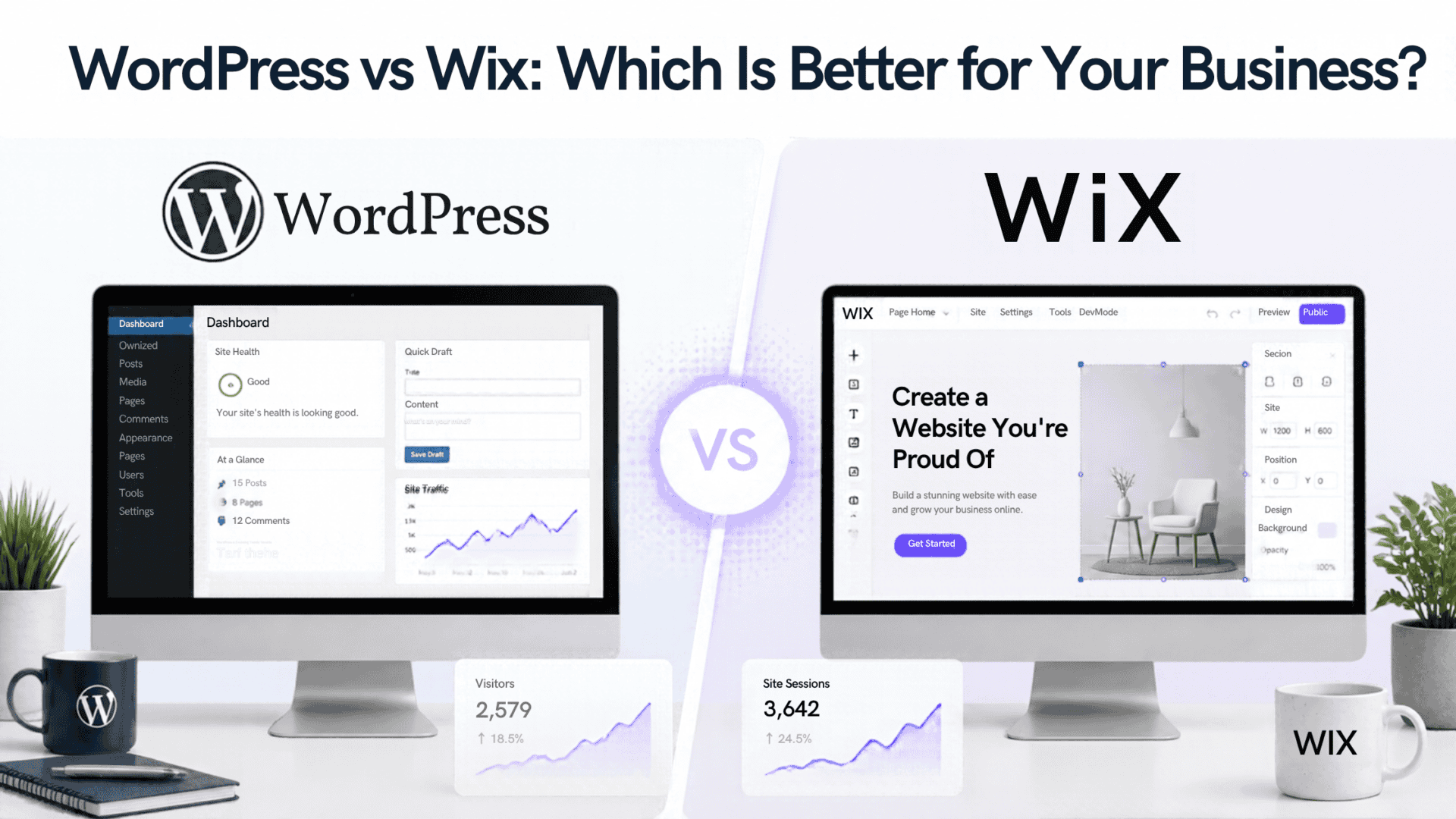
Choosing a website platform is often one of the first decisions a business makes when building an online presence. Wix makes it easy to get started with ready-made templates, a drag-and-drop editor, and built-in tools. WordPress offers a different approach, giving website owners more control over how their sites are built, hosted, and expanded.
But what happens when your business starts to grow?
The website that worked perfectly when you first launched may no longer meet your needs. You might want to add new features, connect more business tools, publish more content, or create a better experience for your customers. At that point, you may start asking: Is WordPress better than Wix for a growing business?
The answer depends on what your business needs from its website. Wix can support many businesses as they grow, but WordPress may be a better fit if you need greater flexibility, more control, or custom functionality.
Here are seven things to consider before deciding whether to stay with Wix or make the switch to WordPress.
When Does Your Business Need More Than a Basic Website?
A website often starts with a simple purpose: introduce your business, explain what you offer, and give potential customers a way to contact you.
As the business develops, however, its website may need to do much more. You might want to publish helpful resources, accept bookings, sell products, connect a customer relationship management (CRM) system, or give customers access to private information.
These changes can affect the type of platform you need.
Wix already offers features for online stores, bookings, blogs, forms, and other business activities. You don’t automatically need WordPress just because your company is growing. The more useful question is whether your current setup can support the features and workflows you can introduce.
Here are a few signs that your website may need more flexibility:
Your website needs more custom functionality
Your business may eventually need features that go beyond standard website pages.
For example, a service provider might want a custom booking process that collects specific information before customers can schedule an appointment. A membership business may need different access levels for registered users. An online store might need a specialized product configuration or connection to an inventory system.
Wix has built-in business tools, apps, and developer options that can support different requirements. However, you may find that a particular feature does not work exactly the way your business needs it to.
WordPress gives you another route. Its plugin ecosystem and custom development options allow you to add or build functionality around your requirements. You can start with an existing plugin or work with a developer to create something more specific.
Your website has become more content-heavy
A small business website may only need a homepage, service page, contact page, and a few supporting sections.
But what if you start publishing weekly blog posts, detailed service pages, case studies, downloadable resources, and industry guides?
As your content library grows, organizing and maintaining it becomes more important. You need a clear structure that helps visitors find relevant information and makes it easier for your team to publish and update pages.
Both Wix and WordPress support blogging and content publishing. However, WordPress offers a highly flexible content management system. You can organize content using categories, tags, custom post types, and custom taxonomies, depending on your setup.
Your business needs more control over its website
With Wix, hosting and much of the technical infrastructure are managed by the platform. You don’t need to arrange a separate hosting provider or handle routine server-level tasks yourself. That convenience is one of its biggest advantages.
WordPress.org works differently. You choose a hosting provider and have more control over your website files, database, themes, plugins, and hosting environment. This gives you more room to make technical changes, but it also means you or someone on your team must take responsibility for managing the setup.
If your business needs specific hosting configurations, development environments, or greater control over how its website operates, WordPress may be worth considering.
Read more: Best WordPress Hosting Companies in 2026: How to Choose the Right Provider
7 Signs Your Business May Benefit From WordPress

Not every growing business needs to leave Wix. However, there are situations where WordPress may offer a better foundation for your next stage of growth. Here are seven signs to look out for:
1. You’re outgrowing your website’s current features
One of the clearest signs is when your website can no longer support the features you want to add.
Perhaps you want to introduce a more advanced booking system, create a customer portal, or offer a personalized experience based on user activity. You may also need a feature that isn’t available through Wix’s built-in tools or existing apps.
Before switching, check whether Wix already offers an app or development option that meets your needs. Moving platforms takes time and money, so it makes sense to explore your current options first.
However, if you keep running into limitations or relying on workarounds, WordPress may be a more suitable choice.
Its plugin library covers a wide range of website functions, including forms, e-commerce, memberships, bookings, learning platforms, and more. You can also hire a developer to create custom features when existing plugins don’t meet your requirements.
2. You need more advanced integrations
Your website may need to work with several tools as your business expands.
For example, you might use a CRM to manage leads, an email marketing platform to communicate with customers, an accounting system to track transactions, and an inventory tool to manage products.
Connecting these tools can reduce manual work and help different parts of your business run more smoothly.
Wix supports integrations through its built-in features, app marketplace, and developer tools. For many businesses, these options are more than enough.
WordPress offers a large selection of plugins and integration options, including connections to external services through APIs. This can give you more flexibility when building a website around your existing business systems.
If a specific integration is essential to your operations, check its compatibility with both platforms before making a decision. The availability of a plugin or app doesn’t always mean it will support every feature you need.
3. You want more control over your content
Publishing content regularly can become an important part of your marketing strategy.
You may start with a few blog posts and eventually build a resource center with guides, tutorials, case studies, industry updates, and downloadable materials.
WordPress is well suited to content-heavy websites because of its publishing and content management features. You can create different content types, organize them into categories, manage user roles, and use plugins to extend your editorial workflow.
For example, a company with several writers may want to give contributors permission to draft articles without allowing them to change website settings. WordPress supports different user roles, making it easier to assign responsibilities.
Wix also supports content creation and team collaboration. The difference is in the level of control and customization available as your publishing needs become more complex.
If your website is becoming a major content hub, WordPress may provide more room to organize and manage that growth.
4. You need custom development options
Some businesses eventually need a website that works in a very specific way.
A standard template may be enough when you’re starting out, but it may not support every feature or design requirement you have later.
For example, you might want a custom quote calculator, a product comparison tool, a specialized custom dashboard, or a unique layout for different types of service pages.
WordPress allows developers to customize themes, build plugins, and work with the platform’s code and APIs. You can use existing tools as a starting point or create features specifically for your business.
Wix also offers developer capabilities, including options for custom code and APIs. However, the two platforms have different technical environments, so the best choice depends on the type of development you need.
If you expect your website to require frequent custom development, WordPress may give your team more freedom to shape the site around your plans.
5. You want more control over your hosting environment
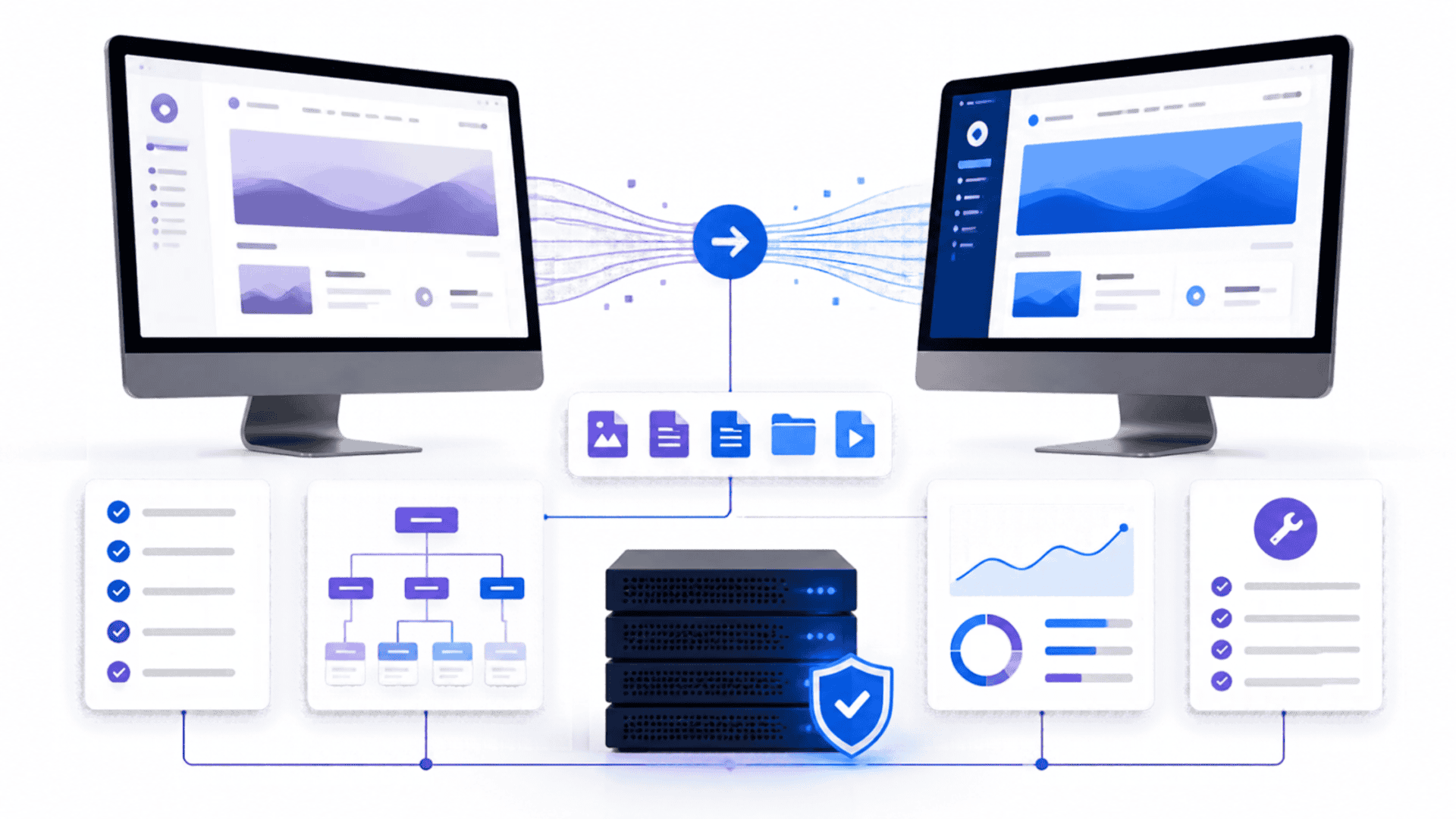
Hosting affects how your website is stored, served, and managed.
With Wix, hosting is included as part of the platform. Wix manages the infrastructure, software updates, and hosting environment, so you don’t have to choose a separate hosting provider.
With WordPress.org, you select your own hosting service. This means you can compare providers based on their performance, support, security features, backup options, and resources.
You may also have more control over staging environments, server settings, and other technical configurations, depending on your hosting plan.
This can be useful for businesses with developers or technical teams who want more control over website changes and deployments.
However, more control also comes with more responsibility. You’ll need to choose a reliable host and make sure your website receives the maintenance and technical support it needs.
6. You expect your website to change frequently
A growing business rarely keeps the same website forever.
You may introduce new services, expand into different markets, update your branding, or change the way customers interact with your company.
WordPress can support these changes through its themes, plugins, and custom development options. You can adjust the website’s design, add new functionality, or restructure content without being limited to a single set of built-in features.
This doesn’t mean Wix cannot grow with your business. Its plans and tools support different website needs, including e-commerce, bookings, and more advanced business features.
The question is how much flexibility you expect to need.
If your website requirements are relatively predictable, Wix may remain a practical option. If you anticipate frequent changes or more specialized features, WordPress may offer greater room to adapt.
7. Your website has become important to daily business operations
A website can become much more than an online brochure.
It may be responsible for generating leads, processing orders, accepting bookings, collecting customer information, or providing resources to existing clients.
When your business depends on these activities, website reliability and maintenance become increasingly important.
You’ll need to keep software updated, check forms and integrations, monitor performance, maintain backups, and address technical issues before they affect customers.
WordPress gives you more control over the website, but it also requires ongoing attention. If a plugin update causes a conflict or a security issue appears, someone needs to investigate and resolve it.
Wix handles much of the underlying platform maintenance, which can reduce the amount of technical work required from website owners. However, you still need to manage your content, settings, apps, and business features.
Keep your business website running smoothly
When your website becomes an important part of your daily operations, regular maintenance should be part of your business plan. With SetMySite’s WordPress maintenance services, you can get help keeping your website updated, secure, and running properly while you focus on managing your business. Reach out today!
Is Switching From Wix to WordPress Worth the Investment?
Moving to WordPress can make sense when your current platform no longer supports your business requirements. But switching isn’t automatically the better financial decision.
Before making a move, compare the costs of staying with Wix against the costs of building and maintaining a WordPress website.
Consider the cost of staying with Wix
Wix uses a subscription-based model. Depending on the plan you choose, you may get hosting, storage, business features, marketing tools, and other services as part of your subscription.
You may also pay for additional apps or services to support your website.
As your requirements grow, these costs can add up. You might need a higher-tier plan, paid apps, or custom development to achieve the functionality you want.
That doesn’t necessarily make Wix expensive. It simply means you should review what you’re paying for and whether those features are still suitable for your business.
Consider the cost of moving to WordPress
WordPress.org is free, open-source software, but running a WordPress website isn’t completely free. You’ll need to budget for services and resources such as:
- Web hosting and domain registration
- Premium themes or plugins, if needed
- Website design and development
- Migration and content transfer
- Security, backup, and maintenance services
- Technical support and troubleshooting
Some businesses can manage these tasks internally. Others may need help from a developer or website management provider. The total cost depends on the size of your website, its features, and the level of support you require.
Moving to WordPress is one investment. If you don’t have an in-house technical team, working with a WordPress support provider can help you manage these tasks without hiring a full-time employee. See how SetMySite can support your website. Book a call today!
Decide whether the move makes business sense
Think about what WordPress will help your business achieve.
Will it make it easier to add new services? Can it support important integrations? Will it reduce the need for complicated workarounds? Does it give your team the flexibility to manage content more effectively?
If the benefits are worth the time and investment, switching may be a sensible long-term decision.
But if Wix already supports your website’s current and future requirements, there may be no reason to move. You can continue using the platform while focusing on other areas of your business.
What Should You Prepare Before Moving to WordPress?

If you’ve decided to make the switch, avoid treating migration as a simple website redesign.
Moving from Wix to WordPress involves more than recreating your page. You also need to consider your content, website structure, integrations, and search engine visibility.
Here are a few things to review before starting.
1. Review your existing website
List your important pages, blog posts, images, forms, and other content. Identify which pages receive traffic, generate leads, or support important customer journeys. This helps you decide what needs to be transferred, updated, or removed.
2. Identify the features you need
Make a list of the functionality your new website must have. This may include e-commerce, booking tools, membership features, contact forms, payment processing, or third-party integrations.
Knowing what you need before development begins can help you choose the right hosting provider, theme, and plugins.
3. Document your existing URLs
Your website’s URLs matter to visitors and search engines. Record your important page addresses before making changes. If the new WordPress website uses different URLs, prepare relevant 301 redirects to send visitors and search engines to the correct pages.
You can also refer to Google’s site migration guidelines for recommendations on URL mapping, redirects, and maintaining search visibility during a website move.
4. Review your SEO performance
Check which pages are receiving organic traffic, earning backlinks, or ranking for valuable search terms. Keep important page content and metadata where possible. A migration is a good opportunity to improve your website, but removing useful content without a plan can affect search visibility.
5. Choose suitable hosting
Look for a hosting provider that can support your website’s expected traffic, storage, performance, and technical requirements. Consider the provider’s backup options, security features, support, and ability to handle future growth.
6. Plan for ongoing maintenance
Think about who will handle WordPress updates, backups, security checks, performance monitoring, and troubleshooting after the new website goes live. These tasks should be part of your plan, not something you only consider when a problem appears.
A carefully planned migration can make the transition easier and reduce avoidable issues. If your website has many pages, complex features, or valuable search traffic, consider getting help from an experienced WordPress professional.
Planning to move to WordPress?
A website migration involves several moving parts, from transferring content and setting up hosting to preserving important URLs and checking that everything works after launch. Having experienced WordPress professionals assist with the process can help reduce the workload and avoid common mistakes.
If you’re preparing to move your business website to WordPress, SetMySite can help you with ongoing website management and technical support. Compare our website support plans here.
Can You Get More From WordPress Without Managing Everything Yourself?
One concern business owners have about WordPress is the amount of technical work involved.
Unlike Wix, where hosting and many platform updates are handled for you, a self-hosted WordPress website requires ongoing maintenance. You’ll need to keep WordPress, themes, and plugins updated, maintain backups, monitor security, and address technical problems.
This doesn’t mean you have to handle every task yourself.
You can work with a website management provider to take care of routine maintenance and technical support. Depending on the service, this may include:
- WordPress core, theme, and plugin updates
- Regular website backups
- Security monitoring and checks
- Uptime and performance monitoring
- Website edits and content updates
- Troubleshooting and technical support
For businesses without an in-house web team, outsourcing these tasks can help keep the website in good condition without requiring someone on staff to manage every technical detail.
At SetMySite, we offer WordPress maintenance and support plans for businesses that need help keeping their websites updated, secure, and running properly. This can be useful if you want the flexibility of WordPress but don’t have the time or technical resources to manage everything on your own.
Is WordPress Better Than Wix for Your Business?
WordPress can be a better choice for a growing business when the website needs more custom functionality, greater control, or room for more complex development. Its themes, plugins, and hosting options give website owners plenty of ways to build and expand their sites.
However, Wix remains a practical option for businesses that want a simpler website setup with hosting and many business tools included. It can support online stores, bookings, blogs, and other common website needs without requiring you to manage a separate hosting environment.
The right choice comes down to what your business needs today and what you expect from your website in the future.
If Wix still does everything you need, there’s no reason to switch just because WordPress offers more flexibility. But if you’re running into limitations, relying on workarounds, or planning features that your current setup can’t support, WordPress may be worth the investment.
And if you do make the move, remember that choosing the right platform is only one part of the process. Your website will still need regular updates, security checks, backups, and technical support to keep it working properly.
Additional reading: Outsource Website Management: Is It the Right Move for Your Business?
What About SEO?
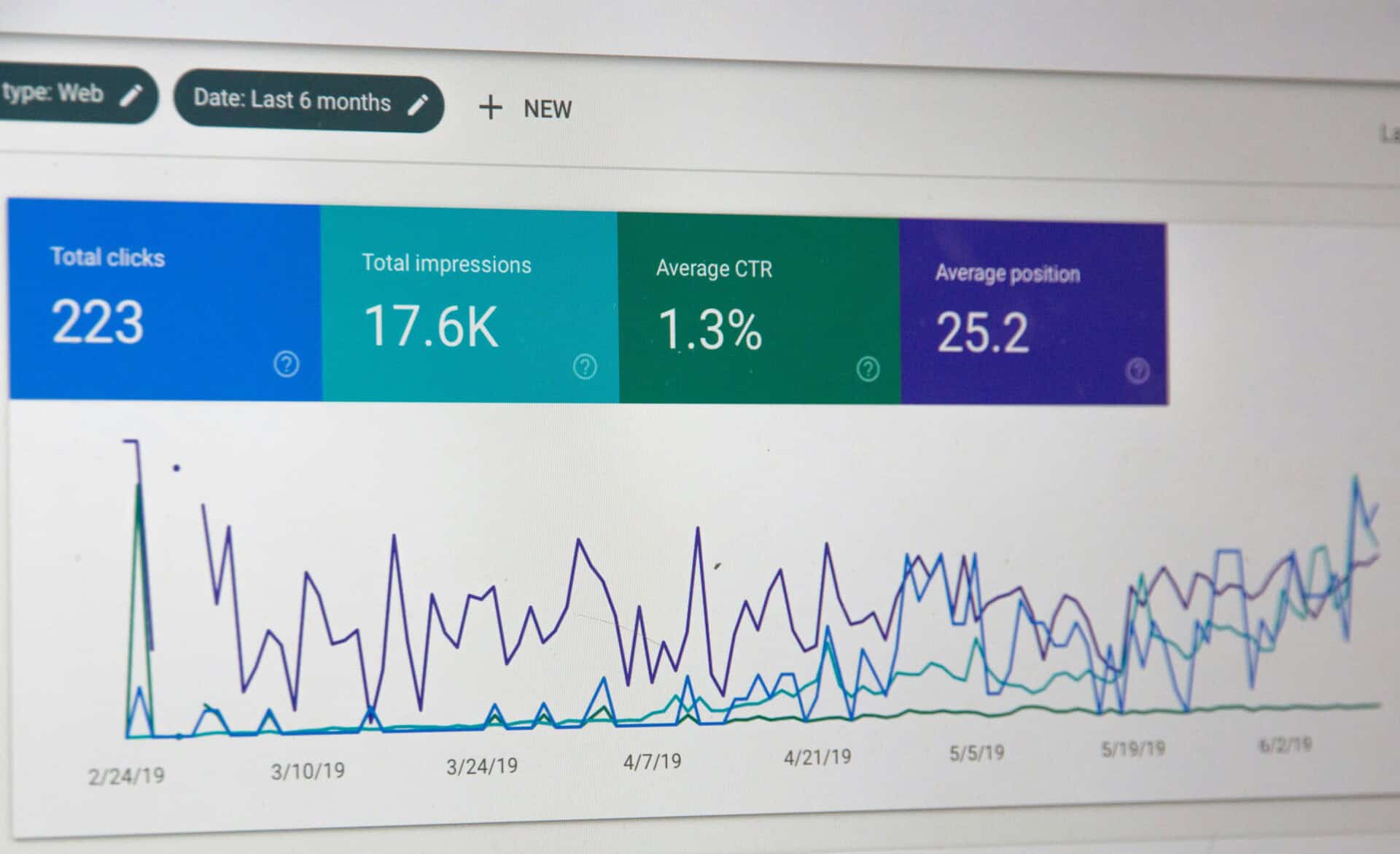 SEO is another area where people often ask whether Wix or WordPress is better. The important thing to remember is that your choice of platform is only one part of SEO.
A website can use WIX or WordPress and still struggle to rank if the content is poor, pages are difficult to navigate, the site performs badly, or important SEO fundamentals are overlooked. Your website’s SEO can be affected by things such as:
- Page titles and descriptions
- Content quality
- Website structure
- Internal linking
- Mobile experience
- Page speed
- Search intent
- Technical SEO
- Backlinks
- Image optimization
What Will You Actually Spend?
Cost is another important part of the decision, but looking only at the starting price can give you an incomplete picture. You should consider the total cost of running and maintaining your website over time.Wix costs
With Wix, many of the basic website costs are bundled into its plans. Depending on your plan and requirements, you may pay for things such as:- Your Wix subscription
- Your domain
- Additional apps or features
- Professional website help
WordPress costs
WordPress has a different cost structure. You may need to pay for:- Web hosting
- Your domain
- Premium themes
- Premium plugins
- Website development
- Security services
- Maintenance
- Professional support
Don’t forget the cost of your time
There is another cost that is easy to overlook: your time. If you’re running a business, an hour spent troubleshooting a website is an hour you’re not spending on customers, sales, marketing, or other work. You also need to consider what happens when something breaks and you don’t know how to fix it. If website maintenance is taking up more of your time than you’d like, website management support can give you an extra pair of hands when you need them.Frequently Asked Questions (FAQs)
What are the downsides of using WordPress?
WordPress offers plenty of flexibility, but it also requires ongoing maintenance. You’ll need to manage updates, backups, security, and plugin compatibility. Some features require paid plugins or developer assistance, and costs can add up. Beginners may also need time to learn how everything works.
Is there a better alternative to Wix?
Yes, depending on your website’s needs. WordPress is a popular alternative for businesses that want more customization and control. Squarespace is another option for users who prefer professionally designed templates and a simpler setup. The best platform depends on your budget, technical skills, and required features.
What is the downside to Wix?
Wix is easy to use, but it offers less technical control than self-hosted WordPress. Custom functionality may depend on available apps or developer tools, while some advanced requirements can be difficult to support. You’re also tied to Wix’s hosting environment and platform, which limits your hosting choices.
Which is cheaper, WordPress or Wix?
Wix may be cheaper and more predictable when starting out because hosting and website tools are bundled into its subscription plans. WordPress.org is free, but you’ll pay for hosting, and possibly premium themes, plugins, development, and maintenance. The cheaper option depends on your website’s features and long-term needs.