

Have you ever wondered why your website isn’t bringing in as many leads as it should? Maybe it’s loading slower than usual, showing outdated information, or not ranking well on Google.
The tricky part is that many website problems happen behind the scenes, so you might not even realize they’re costing you customers. That’s why more businesses are turning to AI website audit tools.
In just a few minutes, these tools can scan your website and point out issues that could be affecting its speed, SEO, security, and overall performance. They don’t just tell you what’s wrong. They also offer recommendations on how to improve it.
But here’s the catch: an audit report won’t improve your website on its own.
The real results come from understanding which recommendations matter most and taking the right steps to fix them. Some suggestions are quick wins that can make an immediate difference, while others require a more strategic approach to get the best results.
What Are AI Website Audit Recommendations?
AI website audit recommendations are suggestions you get after an AI tool scans your website. The tool looks for problems that could be affecting your site’s performance and tells you what you can do to improve it.
Unlike a basic website checker that only points out errors, AI tools go a step further. They can explain why an issue matters, how it might affect your website, and which problems you should deal with first. This makes it much easier to understand what needs fixing, even if you’re not a website expert.
Most AI website audit tools check things like:
- Website loading speed
- Search engine optimization (SEO)
- Mobile responsiveness
- Website security
- Accessibility
- User experience (UX)
- Content quality
- Technical website errors
For example, the tool might tell you that your homepage is taking too long to load because your images are too large. It could also spot missing page titles, broken links, duplicate meta descriptions, or outdated plugins that need updating.
The best part is that these tools don’t just show you a long list of problems. They usually explain what’s causing the issue and suggest ways to fix it. That helps you decide which changes should be made first and which ones can wait.
That said, AI isn’t perfect. While it does a great job of spotting common website issues, it doesn’t always understand the bigger picture. Some recommendations may not be relevant to your business, and more technical fixes should always be reviewed before you make changes.
Think of AI as a helpful guide. It can point you in the right direction, but it’s still up to you or a website professional to decide the best way forward.
Why You Shouldn’t Ignore AI Website Audit Recommendations

It can be tempting to run an audit, download the report, and forget about it. After all, if your website still loads and visitors can access it, everything must be fine, right?
Not necessarily.
Many website issues develop gradually. A slow page may only become slower over time. An outdated plugin might continue working until it suddenly creates a security vulnerability. Small SEO problems can quietly reduce your visibility in search results without you noticing.
Here’s why you shouldn’t ignore AI website audit recommendations:
It helps improve your search engine rankings
If you want more people to find your website on Google, keeping it in good shape is important. Search engines look at many factors when deciding where your website should appear in search results.
Things like page speed, mobile-friendliness, and technical SEO all play a part. An AI website audit can point out issues that may be holding your website back.
It creates a better user experience
No one likes using a slow or confusing website. If visitors can’t find what they’re looking for or pages take too long to load, they’ll probably leave and look somewhere else.
Many AI website audit recommendations are designed to make your website easier to use. They might suggest:
- Speeding up your pages
- Making navigation simpler
- Improving your mobile layout
- Making your content easier to read
- Helping visitors find important information faster
These may seem like small changes, but together they can make a big difference. When people enjoy using your website, they’re more likely to stick around and explore what you have to offer.
It helps keep your website secure
Website security isn’t something you should only think about after something goes wrong. Hackers often look for websites with outdated software or weak security settings because they’re easier to break into.
An AI website audit can highlight problems like:
- Outdated plugins
- Missing SSL certificates
- Weak security settings
- Software that needs updating
Fixing these issues helps protect your website from malware, hacking attempts, and other security risks that could affect your business and your customers.
It can help turn more visitors into customers
Getting people to visit your website is only half the battle. You also want them to take action. When your website is fast, easy to use, and works properly, visitors are more likely to:
- Submit a contact form
- Request a quote
- Book a service
- Make a purchase
- Call your business
Sometimes, even small improvements can make a big difference. A faster page or a clearer call-to-action could be all it takes to encourage someone to get in touch.
It can save you time and money
Many website issues are much easier to fix when you catch them early.
For example, updating an old plugin only takes a few minutes. But if that plugin creates a security problem later, fixing the damage could take much longer and cost a lot more.
The same goes for broken links. Fixing a handful of them now is much easier than trying to clean up hundreds after they’ve been ignored for months.
The Most Common AI Website Audit Recommendations
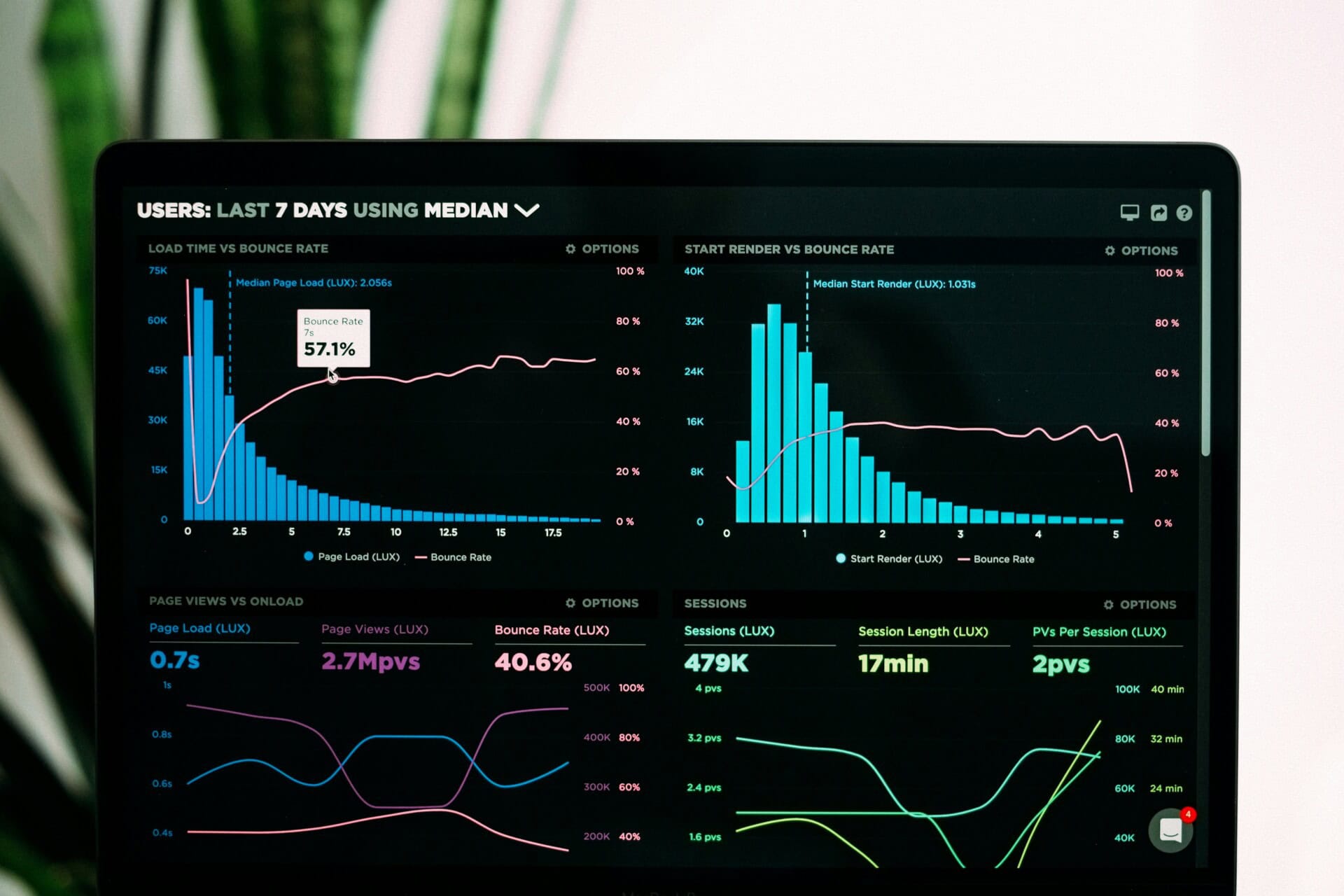
Some website issues show up more often than others. An AI audit can help you spot these problems before they start affecting your visitors, rankings, or sales.
Here are some of the most common AI website audit recommendations you may come across:
Improve website speed
A slow website can quickly turn visitors away. If a page takes too long to load, people may leave before they even see what your business has to offer.
Page speed can also affect your SEO. Search engines look at how quickly and smoothly a website works when deciding how to rank it.
Compress large images
Large image files are a common cause of slow-loading pages. High-quality images can make your website look great, but they can also take longer to load if the file sizes are too large.
AI audit tools can find oversized images and recommend compressing them. This reduces the file size without having a major effect on image quality.
It’s also a good idea to resize images before uploading them. There’s no need to upload a huge image if it will only be displayed in a small space on your website.
Remove unnecessary plugins
Plugins can add useful features to your website, but having too many can slow things down. Some plugins may:
- Load unnecessary scripts
- Conflict with other plugins
- Use server resources
- Keep running even when they’re no longer needed
An AI audit may flag plugins that are affecting your website’s performance. It may also point out plugins that are outdated or no longer being used.
Before removing a plugin, make sure you know what it does. Some plugins may be connected to important features on your website.
Minify CSS and JavaScript files
CSS and JavaScript help control how your website looks and works. But these files can contain extra spaces, comments, and code that browsers don’t need to process.
Minifying these files removes some of that unnecessary code. This makes the files smaller and can help your pages load faster.
It’s a common recommendation in AI website audits, especially when a site has a lot of scripts and stylesheets.
Enable browser caching
Browser caching allows certain website files to be saved on a visitor’s device. When that person comes back to your website, their browser doesn’t have to download everything again.
This can make the site load faster for returning visitors. If caching isn’t set up properly, an AI audit may flag it as an area that needs attention.
Use a Content Delivery Network (CDN)
A Content Delivery Network, or CDN, can also help improve your website’s speed. A CDN stores copies of your website’s files on servers in different locations.
When someone visits your site, they can receive those files from a server that’s closer to them. This can be especially useful if you have customers in different cities, states, or countries.
Fix broken links
Broken links are easy to overlook. You may not notice one until a visitor clicks it and ends up on a 404 page. It’s a frustrating experience.
If someone can’t find the information they’re looking for, they may simply leave your website. AI website audit tools can scan your site and find links that no longer work.
These can be links to pages on your own website or links to external websites. Once you’ve found broken links, you can:
- Update the link to correct the page
- Remove links that are no longer relevant
- Set up redirects if a page has been moved or renamed
Keeping your links working makes your website easier to use. It also makes it easier for search engines to crawl your site.
Optimize your on-page SEO
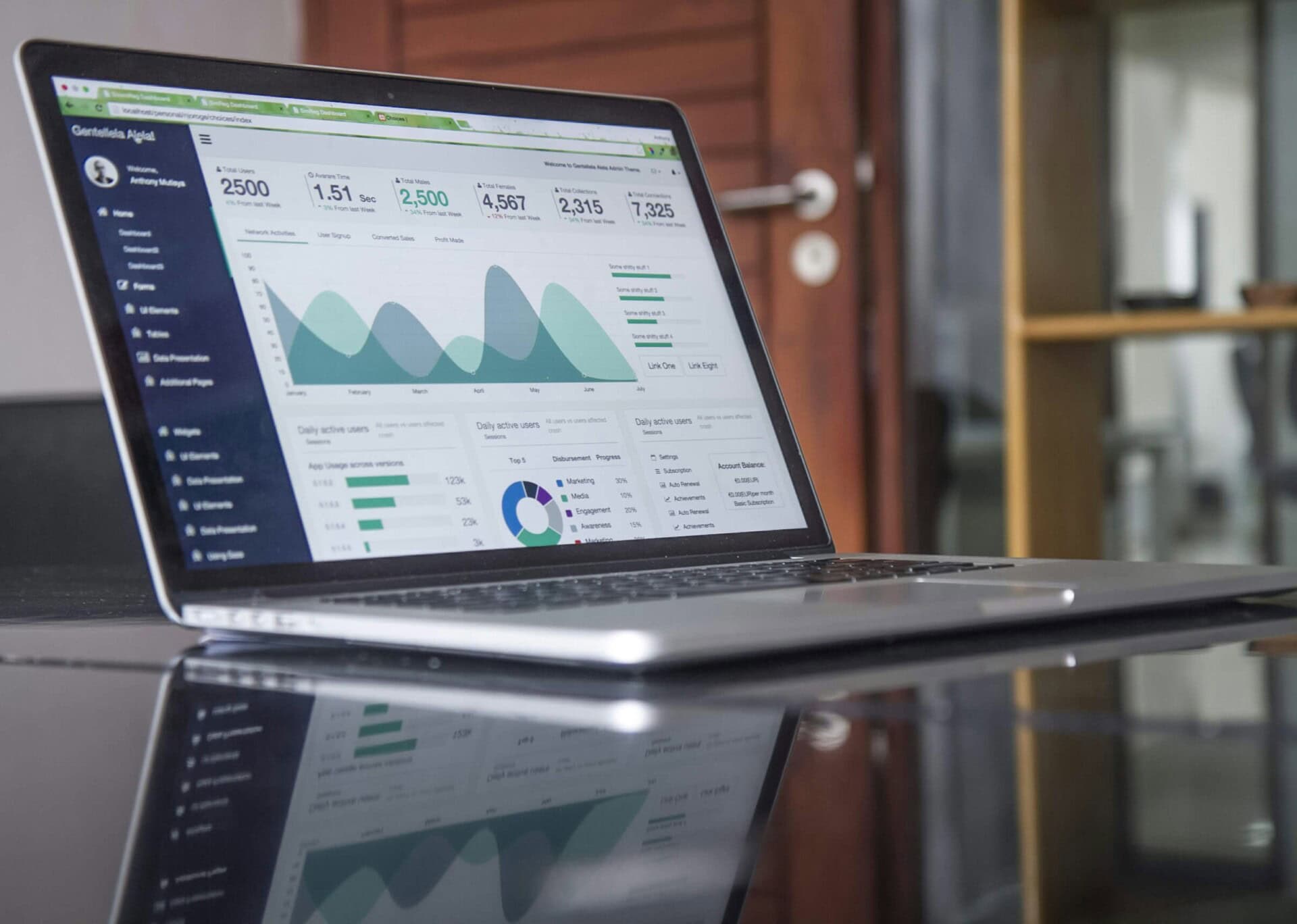
Your website may have great content, but search engines still need to understand what each page is about. That’s where on-page SEO comes in.
It covers things like page titles, headings, meta descriptions, content, and internal links. AI website audits can spot many common on-page SEO issues and suggest ways to fix them.
Some of the most common recommendations include:
Add missing title tags
Every important page on your website should have a unique title tag. It’s the title that usually appears in search results and in your browser tab.
If a page is missing a title tag, search engines may have a harder time understanding what the page is about. A clear and relevant title can also make your page more appealing to someone looking through search results.
Improve meta descriptions
A meta description gives people a short preview of what a page is about. It can appear below the title in search results. AI tools may flag pages with:
- Missing meta descriptions
- Duplicate meta descriptions
- Descriptions that are too short or too long
Each page should have a useful, relevant description that gives people a reason to click.
Use clear headings
Headings make your content easier to read and help search engines understand how your page is organized. A well-structured page will usually have:
- One H1 heading
- Organized H2 and H3 headings
- Short, easy-to-read sections
You don’t need to force keywords into every heading. The main goal is to make the page clear and easy to follow.
Find thin content
Some pages don’t provide enough useful information for visitors. These are often referred to as thin content. For example, a service page with only a few vague sentences may not answer the questions a potential customer has.
An AI audit may suggest adding more useful information, such as:
- Frequently asked questions (FAQs)
- Helpful explanations
- Details of your services
- Customer benefits
- Internal links to related content
The goal isn’t to make a page longer just for the sake of adding words. It’s about giving visitors the information they actually need.
Strengthen internal linking
Internal links connect one page on your website to another. They help visitors find related information and make it easier to move around your site.
For example, a page about website management could link to articles about website security, backups, or website speed. Adding relevant internal links also helps search engines understand how your pages relate to each other.
Improve mobile friendliness
Your website needs to work well on phones and tablets, not just desktop computers. If visitors have to zoom in, scroll from side to side, or struggle to tap buttons, they’re likely to leave.
An AI website audit can check how your site looks and works on different screen sizes and point out areas that need improvement. Common recommendations include:
- Making text easier to read without zooming in
- Increasing the size of buttons so they’re easier to tap
- Fixing content that extends beyond the edge of the screen
- Improving page speed on mobile devices
- Ensuring menus are easy to use
A mobile-friendly website creates a better experience for visitors. It can also support your SEO since Google primarily uses the mobile version of a website when crawling and indexing pages.
Strengthen website security
Website security is easy to ignore when everything seems to be working. But outdated software and weak security settings can leave your site open to attacks.
An AI website audit can help spot potential security issues before they become bigger problems.
Keep your website software updated
Whether you use WordPress or another platform, keeping your software up to date is important. Updates often include security fixes for known vulnerabilities. This applies to more than just your main website platform.
Make sure you also keep these updated:
- Plugins
- Themes
- Third-party integrations
- Other website software
Don’t forget to test your website after making major updates. An update can sometimes cause conflicts with other parts of your site.
Install an SSL certificate
An SSL certificate helps protect information sent between your website and its visitors. Once SSL is properly set up, your website uses HTTPS instead of HTTP. You’ll also see a padlock in the browser’s address bar.
This is especially important if your website collects information through contact forms, account logins, or online payments. HTTPS is also expected by modern browsers and is a small but important part of maintaining a trustworthy website.
Strengthen login security
Your website’s login page is another area that needs protection. An audit may recommend steps such as:
- Using strong passwords
- Enabling two-factor authentication
- Limiting login attempts
- Removing inactive user accounts
These simple steps can make it harder for someone to gain unauthorized access to your website.
Improve website accessibility
Your website should be easy for as many people as possible to use, including people with disabilities. Accessibility improvements can also make your website easier to use for everyone.
Clear content, readable text, and simple navigation benefit all visitors. AI website audits may point out several accessibility issues.
Add alt text to images
Alt text gives a short description of an image. Screen readers can read this text aloud to people who can’t see the image.
It can also help search engines understand what’s in an image. Instead of leaving alt text blank, describe the image in a simple and useful way. Avoid stuffing keywords into it just for SEO.
Improve color contrast
Text needs to stand out clearly from its background. If the contrast is too low, some visitors may struggle to read your content.
This can be especially difficult for people with certain visual impairments. Using clear contrast between your text and background makes your website easier to read on different screens and in different lighting.
Use clear heading structures
Headings aren’t just there to make a page look organized. They also help visitors scan your content and help screen readers understand the structure of the page.
Use headings in a logical order and break up long sections into smaller parts. This makes your content easier to follow for everyone.
Update outdated content
Your website isn’t something you can publish once and forget about.
Information changes. Services get updated. Old statistics become irrelevant. Even the way your customers search for information can change over time.
An AI website audit may flag pages that haven’t been updated in a while or suggest areas where your content could be improved. You may need to:
- Update old statistics or facts
- Replace outdated screenshots or images
- Refresh service descriptions
- Add answers to common customer questions
- Improve readability
- Include newer internal links
Refreshing an existing page can often be easier than creating a new one from scratch. More importantly, it helps make sure visitors are getting accurate and useful information.
Simplify website navigation
Visitors shouldn’t have to work hard to find what they need. If your menu is confusing or important pages are buried several clicks deep, people may give up and leave.
AI website audit tools can review your site’s structure and point out areas where navigation could be improved. You may want to:
- Simplify your main menu
- Reduce unnecessary clicks
- Group related pages together
- Make important pages easier to find
- Add clearer calls to action
Think about how you use other websites. If you can’t quickly find what you’re looking for, you’re probably going to another site.
Your visitors are no different.
A simple navigation structure helps people find the information they need and makes it easier for them to take the next step, whether that’s contacting you, requesting a quote, booking a service, or making a purchase.
Which AI Website Audit Recommendations Should You Fix First?

An AI website audit can leave you with a long list of things to fix. You might see dozens of recommendations, or even more, depending on the size of your website.
Don’t let that list overwhelm you. You don’t need to fix everything at once.
Some issues are more important than others. Start with the problems that could have the biggest impact on your website, then work your way down the list.
High priority: Fix issues that affect performance and security
Start with anything that could hurt your website’s performance, affect visitors, or put your site at risk. These issues may include:
- Slow-loading pages
- Broken links
- Security vulnerabilities
- Missing SSL certificates
- Outdated plugins or software
- Mobile usability problems
These problems can affect more than just your website. A slow or broken site can frustrate visitors and make them less likely to trust your business. Security issues can also put your website and customer information at risk.
If an audit flags a serious security or performance problem, it’s best to deal with it as soon as possible.
Medium priority: Improve SEO and user experience
Once you’ve dealt with the urgent issues, you can focus on changes that make your website easier to find and use. These may include:
- Improving title tags and meta descriptions
- Adding relevant internal links
- Organizing your headings
- Updating thin or outdated content
- Adding alt text to images
- Making your navigation easier to use
These changes may not lead to immediate results. But over time, they can help improve your search visibility and make your website more useful to visitors.
Low priority: Polish and fine-tune
After taking care of the bigger issues, you can focus on smaller improvements. These might include:
- Minor design adjustments
- Small readability improvements
- Updating older images
- Refining button text
- Improving page spacing
These changes can make your website look and feel better. However, they’re usually not as urgent as fixing security problems, broken pages, or slow loading times.
Don’t try to fix everything in one day.
One of the biggest mistakes business owners make is trying to tackle every recommendation. It’s easy to look at a long audit report and feel like you need to fix everything immediately. But trying to do too much at once can make the process harder.
You could also end up creating new problems without realizing it.
Instead, work through the recommendations one step at a time. Start with the most important issues, make the necessary changes, and test your website before moving on to the next task.
A little patience can save you a lot of time and prevent unnecessary headaches.
Can AI Fix Website Problems Automatically?
AI can make website management easier, but it can’t do everything for you.
Some AI tools can handle simple fixes automatically. Most of the time, though, you’ll still need to review the recommendations before making changes to your website.
For example, an AI tool might suggest:
- Compressing oversized images
- Updating missing meta descriptions
- Identifying duplicate content
- Highlighting broken links
- Recommending faster-loading files
These suggestions can save you time, but AI doesn’t always understand how your website works or what your business needs.
For example, an AI tool might suggest removing a plugin because it’s slowing down your site. But that plugin could be handling an important feature, such as your contact forms, bookings, or online payments. Removing it without checking first could break something that your customers rely on.
The same goes for content. An AI tool might suggest changing a page to improve its SEO. But you still need to make sure the new content sounds like your business and gives your customers the information they need.
AI works best as a helpful assistant
Think of AI as a tool that helps you find problems faster. It can scan your website, spot common issues, and give you ideas for fixing them.
But it doesn’t replace human judgment.
Someone still needs to decide which recommendations are worth following and how to make the changes without causing problems elsewhere on the site.
For the best results, use AI to find and understand website issues, then combine those insights with real website management experience. This gives you a better chance of making improvements that actually help your website and your business.
How Website Management Services Help You Act on AI Recommendations
If you’re busy running your website, website maintenance can quickly move to the bottom of your list. You might have a report showing dozens of things that need attention, but no time to work through them.
Meanwhile, your website keeps changing. Plugins need updates. New security issues can come up. Pages can slow down or stop working properly. This is where website support services can help.
Instead of giving you a list of problems and leaving you to deal with them, a website management team can handle the work for you. Depending on what your website needs, this can include:
- Fixing technical website issues
- Improving page speed
- Updating plugins and software
- Monitoring your website for security threats
- Repairing broken links
- Optimizing pages for better SEO
- Performing regular website backups
- Testing your website after updates
- Monitoring website uptime and performance
The goal isn’t just to fix problems when they appear. Regular website management helps catch issues early and keeps your site in good shape over time.
Spend less time managing your website
Every hour you spend trying to figure out why your website is slow or why a plugin stopped working is time you could be spending on your business.
With professional website management, you have someone keeping an eye on your site and taking care of routine maintenance. They can apply updates, check for problems, and handle technical issues before they turn into bigger headaches.
Let SetMySite handle your website management
AI can help you find problems, but you still need someone to put those recommendations into action. That’s where we come in. At SetMySite, our website management services take care of the technical work that keeps your website secure, updated, and running smoothly.
If you’ve recently run an AI website audit and aren’t sure where to start, don’t hesitate to contact us today!
Best Practices for Using AI Website Audit Recommendations
An AI website audit can give you a good idea of what’s happening with your website, but it’s not something you should run once and forget about.
Your website is always changing. You add new pages, update plugins, change content, and make other changes that can create new issues over time.
Here are a few simple ways to get more from your AI website audits:
Run audits regularly
Your website won’t stay exactly the same after an audit. New issues can come up as you add content, install plugins, or make other changes.
Running an audit every few months can help you catch these problems early. It’s a good idea to run one after a major website update or redesign.
You don’t need to wait for something to go wrong before checking your website.
Focus on high-impact fixes first
You may get a long list of recommendations after an audit. Don’t feel like you need to work through all of them at once.
Start with the issues that could have the biggest impact, such as:
- Website speed
- Security
- Mobile usability
- Broken pages
- Technical SEO
Once those are taken care of, you can work through the smaller recommendations.
Keep track of your improvements
It’s useful to keep a record of the issues you’ve fixed. This makes it easier to see whether your changes are actually helping.
For example, you can keep an eye on:
- Page speed
- Search rankings
- Visitor engagement
- Conversion rates
- Overall website health
You don’t need to track everything. Focus on the numbers that matter most to your business. Over time, this can show you which changes are making a real difference.
Don’t rely on AI alone
AI is useful for finding problems, but it doesn’t always understand your website or your business.
Before making a major change, take some time to review the recommendation. If you’re not sure what something means or how it could affect your site, it’s better to get professional advice than to make a change that could cause new problems.
AI can help you find where to look. Human experience can help you decide what to do next. Using both together can help you make smarter changes while keeping your website working the way it should.
Final thoughts
Running an AI website audit is a great first step towards improving your website. It can quickly uncover issues that may be slowing your site down, affecting your search rankings, or creating a poor experience for your visitors.
But the audit itself isn’t what improves your website. It’s what you do with the recommendations that makes the difference.
Of course, you don’t have to handle all of this yourself. If you don’t have the time or technical experience to manage your website, we at SetMySite can help. Our website management services take care of the updates, maintenance, security, and technical issues that keep your site running smoothly.
Ready to spend less time worrying about your website? Get in touch with us today and let our team take care of it for you.